
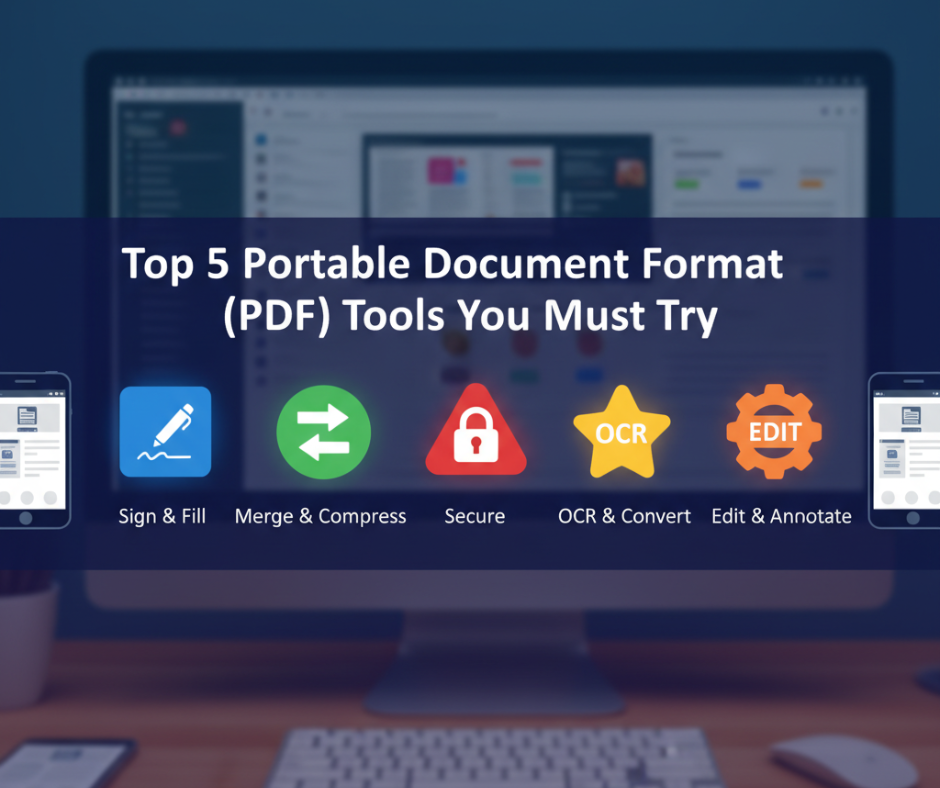
Top 5 Portable Document Format (PDF) Tools You Must Try
In today’s digital-first world, Portable Document Format (PDF) files have become the universal language of documents. From academic research papers to business invoices, PDFs keep information consistent across devices and operating systems. But as useful as they are, managing and editing PDFs can be tricky without the right tools.
That’s where modern PDF tools come in. They’ve evolved far beyond simple readers — now offering AI-powered editing, e-signature support, file compression, real-time collaboration, and even educational interactivity. Whether you’re a student, teacher, designer, or business professional, there’s a PDF solution tailored to your workflow.
Let’s explore the Top 5 PDF tools of 2025 that you must try if you want to boost productivity, simplify document handling, and make your digital life more efficient.
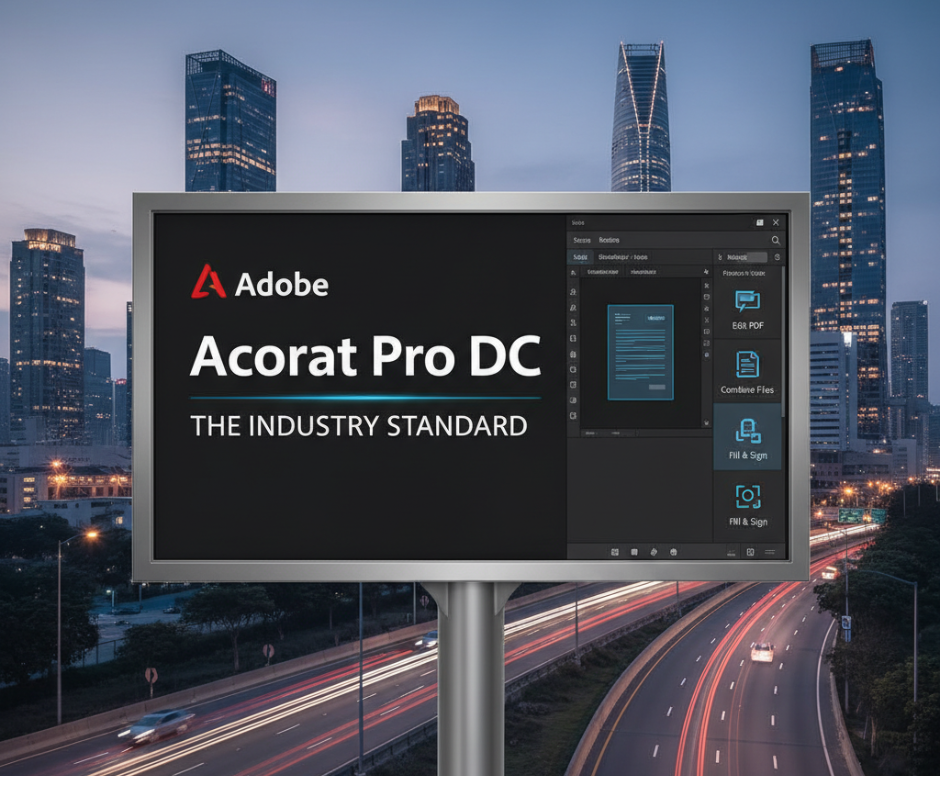
1. Adobe Acrobat Pro DC – The Industry Standard
When it comes to PDFs, Adobe Acrobat remains the gold standard. As the original creator of the PDF format, Adobe has refined its software to meet the needs of everyone—from individuals to global enterprises.
Key Features:
- Full PDF editing (text, images, formatting)
- OCR (Optical Character Recognition) for scanned documents
- Digital signatures and form creation
- Built-in AI assistant (Adobe Sensei) for summarizing and extracting information
- Cloud integration for multi-device access
Adobe Acrobat Pro is perfect for professionals and educators who need advanced control over their documents. While it’s a premium tool, its reliability, security, and functionality make it worth the investment.
Best for: Professionals, educators, corporate teams
TechAcademy Insight: If you regularly work with contracts, eBooks, or reports, Acrobat’s combination of AI and precision editing is unmatched.
2. Foxit PDF Editor – Lightweight Yet Powerful
Foxit PDF Editor has gained immense popularity in recent years, and for good reason. It offers most of Adobe’s advanced features in a lightweight, faster, and more affordable package.
Key Features:
- Real-time collaboration and commenting
- Advanced security with redaction tools
- Cloud document management
- Batch processing and form creation
- E-sign integration
Foxit is known for its speed and efficiency. It loads large documents quickly and runs smoothly even on lower-end devices. Businesses love it for its balance of performance and cost-effectiveness.
Best for: Small businesses, educators, and freelancers
TechAcademy Insight: Perfect for remote teams that need to collaborate on PDF files without relying on heavy cloud systems.
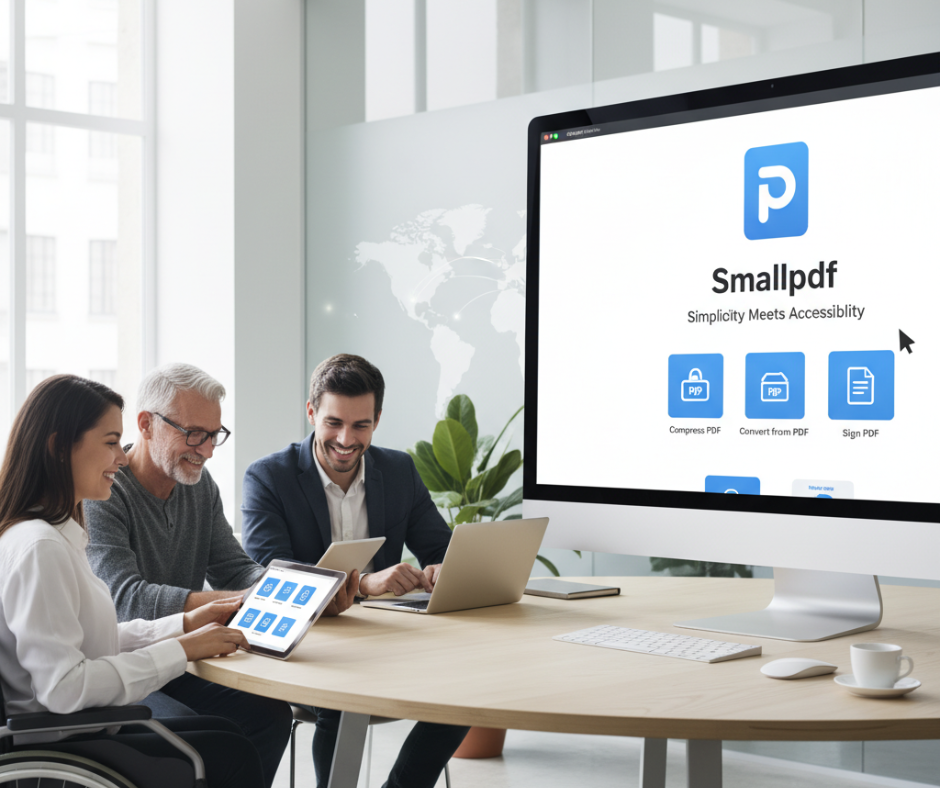
3. Smallpdf – Simplicity Meets Accessibility
Not everyone needs full-fledged editing software. Sometimes, you just want a quick and easy way to convert, merge, compress, or sign PDFs — that’s where Smallpdf shines.
Key Features:
- 20+ easy-to-use PDF tools in one platform
- File conversion between PDF, Word, Excel, PowerPoint
- Compress PDFs without losing quality
- Secure online e-signature
- Cross-platform support (web, mobile, desktop)
Smallpdf is designed for everyday users, especially students and educators who need quick file handling. Its web-based model means there’s no installation required, making it perfect for use across multiple devices.
Best for: Students, teachers, and general users
TechAcademy Insight: If you often upload assignments, handouts, or online forms, Smallpdf makes it effortless to manage files securely and efficiently.
4. PDF-XChange Editor – Fast, Feature-Rich & Offline-Friendly
If you prefer offline software that’s lightweight but powerful, PDF-XChange Editor is a great option. It’s one of the fastest PDF editors on Windows and offers a vast range of features.
Key Features:
- Advanced annotation and markup tools
- Built-in OCR for scanned PDFs
- Customizable toolbar and workspace
- Export options to multiple formats
- Smooth performance even on older PCs
This tool strikes a balance between professional editing and affordability. PDF-XChange is often praised by IT professionals and academics for its versatility.
Best for: Windows users, researchers, and students
TechAcademy Insight: If you annotate lecture slides or create digital study notes, PDF-XChange gives you the flexibility you need without slowing down your computer.
5. Kami – The Classroom Favorite
If you’re in education, you’ve probably heard of Kami. It’s a browser-based PDF editor designed specifically for teachers and students, turning static documents into interactive, collaborative experiences.
Key Features:
- Real-time annotation and commenting
- Voice and video notes for feedback
- Integration with Google Classroom, Canvas, and Microsoft Teams
- Offline mode for flexible learning
- Accessibility tools for inclusive education
Kami empowers classrooms to go paperless. Students can complete assignments directly within PDFs, while teachers can mark and provide instant feedback—all in one place.
Best for: Teachers, students, and academic institutions
TechAcademy Insight: Kami is a must-have for hybrid or remote learning environments that value collaboration and digital engagement.
Choosing the Right PDF Tool for You
Here’s a quick guide to help you pick the best PDF software based on your goals:
| Need | Recommended Tool |
|---|---|
| Professional-grade editing & security | Adobe Acrobat Pro |
| Team collaboration & affordability | Foxit PDF Editor |
| Quick online conversions | Smallpdf |
| Fast offline performance | PDF-XChange Editor |
| Interactive learning & education | Kami |
When selecting your PDF tool, consider whether you’ll be working online or offline, need advanced security, or require team-based features like commenting and version control.
Bonus Tip: Try AI-Powered Features
Many modern PDF tools are integrating AI-driven functions to simplify your workflow. For instance:
- Adobe and Foxit use AI for auto-summarization and form recognition.
- Smallpdf is experimenting with AI compression and layout auto-adjustment.
- Kami uses machine learning to improve handwriting recognition in student submissions.
In 2025 and beyond, PDF tools will continue to evolve with AI, making document management faster, smarter, and more intuitive.
Final Thoughts
PDFs are here to stay — and the right tools can transform how you read, edit, and share documents. Whether you’re managing contracts, preparing assignments, or digitizing paperwork, these top 5 PDF tools will help you work smarter, not harder.
At TechAcademy.pro, we believe technology should simplify your workflow, not complicate it. So explore, experiment, and choose the PDF tool that aligns best with your productivity goals. With the right setup, you’ll spend less time clicking and more time creating.