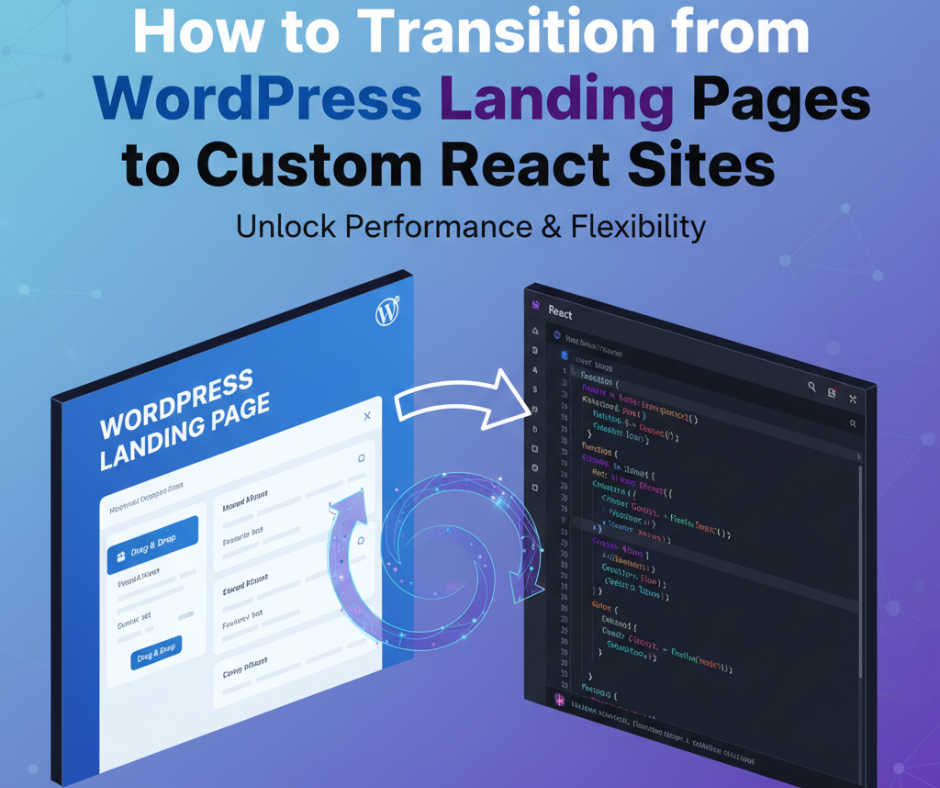
How to Transition from WordPress Landing Pages to Custom React Sites
How to Transition from WordPress Landing Pages to Custom React Sites
3, Nov 2025
How to Transition from WordPress Landing Pages to Custom React Sites
WordPress is one of the easiest ways to build websites, especially landing pages for businesses, products, and services. But as your site grows, you might feel the limitations — slow performance, plugin conflicts, limited customization, and difficulty scaling for advanced features.
That’s when many developers and businesses begin switching to React — a powerful JavaScript library used to build fast, dynamic, custom web apps.
If you’re currently running WordPress landing pages and want to move toward more scalable, interactive, and high-performance websites, this guide will walk you step-by-step through the transition.
🔍 Why Switch from WordPress to React?
WordPress is perfect for beginners, but React is built for modern web development:
Feature
WordPress
React
Ease of use
Beginner-friendly
Developer-focused
Performance
Plugin-heavy, slower
Super fast + optimized
Customization
Theme-based
Fully custom UI
Interactivity
Limited
Unlimited possibilities
Security
Depends on plugins
Highly secure architecture
Scalability
Medium
Very high
If you want full control over the frontend experience, React is the way forward.
✅ Signs You’re Ready for React
If any of these apply, the upgrade is worth it:
✅ Your landing page needs custom animations or dynamic data ✅ Your audience has increased → website is slowing down ✅ You want modern UI/UX instead of theme limitations ✅ You’re adding app features beyond basic pages ✅ You want a developer-friendly future-proof stack
🚀 Transition Strategy: From WordPress to React
Here’s how to smoothly shift from a WordPress site to a custom React project:
✅ Step 1: Analyze Current Content & Structure
Audit your WordPress site:
Pages and landing sections
Contact forms
Media files
SEO content
API requirements
Export any important text & images to reuse in React.
✅ Step 2: Design UI/UX for the New React Site
Instead of pre-built themes, React lets you:
Create modern designs in Figma or Adobe XD
Implement flexible responsive layouts
Match branding perfectly
Tip: Your new UI can re-use best designs from your WordPress site.
✅ Step 3: Choose Your React Framework
While React can run standalone, most production sites use:
Framework
Best For
Next.js ✅
SEO-friendly, server rendering, best for landing pages
Create React App
Simple single-page apps
Gatsby
Content-heavy static sites
Recommendation: Next.js for the fastest SEO transition.
✅ Step 4: Fetch Data from WordPress API (Headless Option)
Instead of abandoning WordPress entirely, you can use it as a CMS:
Enable REST API
Fetch posts/products into React UI
This gives the best of both worlds:
✅ WordPress dashboard for content editing ✅ Lightning-fast React frontend for users
✅ Step 5: Rebuild Features with Modern Tools
Replace WordPress plugins with powerful web tech:
WordPress Plugin Feature
React Alternative
Contact Form
React Hook Form + email API
Popups
Custom modals or libraries
Sliders
Swiper.js
Analytics
Google Analytics, Vercel stats
No plugin bloat = faster site 🚀
✅ Step 6: Deploy Your React Site
Top hosting options:
Vercel (best with Next.js)
Netlify
Firebase Hosting
AWS Amplify
These provide:
✅ Free SSL ✅ CI/CD auto deployment ✅ Scalable hosting
🔥 Benefits After Transition
Benefit
Impact
Fast load time
Better user engagement & SEO
Full control of frontend
Unique brand experience
Better security
No outdated plugins
Easier scalability
Add features anytime
App-like interactions
Higher conversions
Your landing page becomes a high-performance web app.
🧩 What About SEO?
This is where Next.js shines:
✅ Server-side rendering (SSR) ✅ Proper meta data ✅ Fast Lighthouse performance score
Your ranking power doesn’t get lost — it improves.
🛠 Tools to Assist Your Migration
Category
Tools
UI Design
Figma / Adobe XD
Development
React, Next.js, Tailwind CSS
API / Backend
WordPress REST API, Node.js
Deployment
Vercel / Netlify
🧠 Final Advice
If you’re still learning frontend development — take the transition step-by-step:
1️⃣ Build a small landing page in React 2️⃣ Connect simple forms 3️⃣ Add dynamic content via API later 4️⃣ Migrate whole website gradually
You don’t need to convert everything at once.
✅ Conclusion
WordPress is incredible for starting out — but React gives your website the speed, control, and creativity needed in 2025 and beyond.
So if you’re ready to:
✅ Break free from theme limitations ✅ Improve speed and performance ✅ Create custom interactive experiences
Then transitioning to React is your next smart move. 🚀