
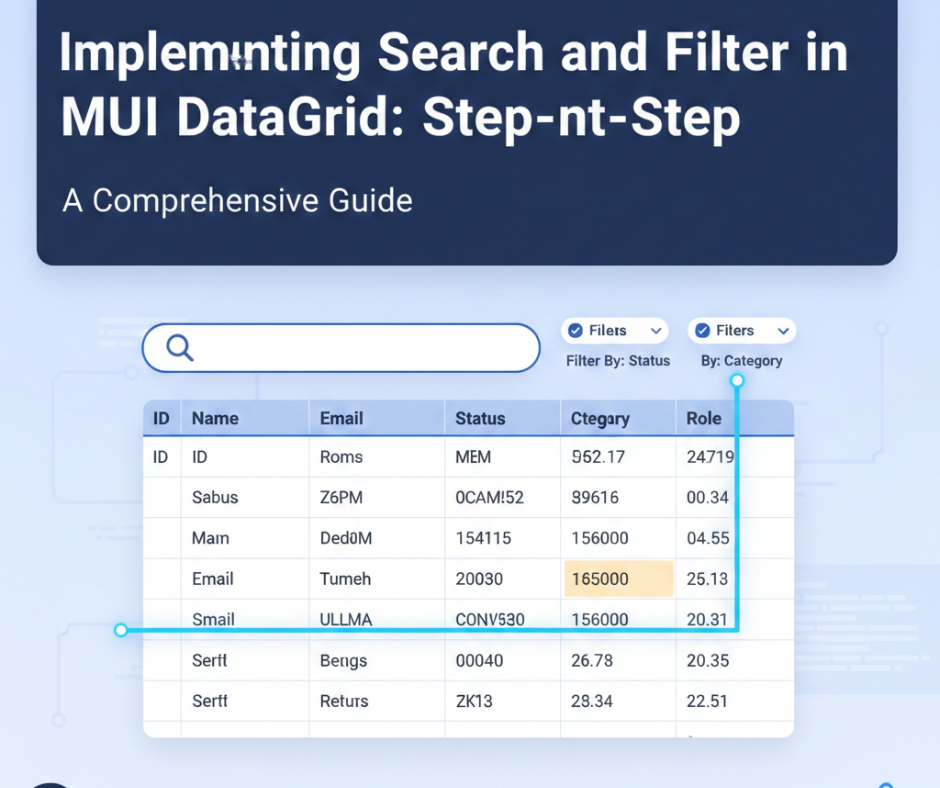
Implementing Search and Filter in MUI DataGrid: Step-by-Step
The MUI DataGrid (Material UI DataGrid) has become one of the most popular React components for building rich, interactive data tables. Whether you’re working on an admin dashboard, analytics panel, CRM, or SaaS platform, the DataGrid provides powerful features—pagination, sorting, virtualization, custom rendering, exporting, and more.
However, the two most requested features in real-world applications are:
✔ Search
✔ Column-based Filtering
In this step-by-step guide, you’ll learn how to implement both global search and advanced filtering inside MUI DataGrid using clean, modern React code. Suitable for beginners and intermediate developers, this tutorial walks you through practical implementation with reusable components.
✅ What You Will Build
By the end of this blog, you will have a DataGrid that supports:
- 🔍 Global Search (search across all fields)
- 🎯 Column-Specific Filtering (like filtering by role, status, category, etc.)
- ⚡ Fully dynamic rendering
- 🔧 Works with any dataset or API
1. Setting Up the DataGrid
Install the required packages:
npm install @mui/x-data-grid @mui/material @emotion/react @emotion/styled
Basic structure:
import { DataGrid } from '@mui/x-data-grid';
import { useState } from 'react';

const initialRows = [
  { id: 1, name: "John Doe", role: "Admin", status: "Active" },
  { id: 2, name: "Sarah Lee", role: "Editor", status: "Inactive" },
  { id: 3, name: "David Park", role: "Manager", status: "Active" },
];

const columns = [
  { field: "id", headerName: "ID", width: 90 },
  { field: "name", headerName: "Name", width: 150 },
  { field: "role", headerName: "Role", width: 130 },
  { field: "status", headerName: "Status", width: 120 },
];

export default function App() {
  const [rows, setRows] = useState(initialRows);

  return <DataGrid rows={rows} columns={columns} autoHeight />;
}
2. Adding Global Search
A global search input helps users search through all columns at once.
Search Input
const [searchText, setSearchText] = useState("");

const handleSearch = (e) => {
  setSearchText(e.target.value);
  const filtered = initialRows.filter((row) =>
    Object.values(row)
      .join(" ")
      .toLowerCase()
      .includes(e.target.value.toLowerCase())
  );
  setRows(filtered);
};
Search UI
<input
  type="text"
  placeholder="Search..."
  value={searchText}
  onChange={handleSearch}
  style={{
    marginBottom: 10,
    padding: "8px 12px",
    border: "1px solid #ccc",
    borderRadius: 6,
  }}
/>
3. Implementing Column-Specific Filtering
Now let’s add dropdown filters—perfect for filtering by role or status.
Filter State
const [roleFilter, setRoleFilter] = useState("");
const [statusFilter, setStatusFilter] = useState("");
Filter Function
const applyFilters = () => {
  let filtered = initialRows;

  if (roleFilter) {
    filtered = filtered.filter((row) => row.role === roleFilter);
  }

  if (statusFilter) {
    filtered = filtered.filter((row) => row.status === statusFilter);
  }

  if (searchText) {
    filtered = filtered.filter((row) =>
      Object.values(row).join(" ").toLowerCase().includes(searchText.toLowerCase())
    );
  }

  setRows(filtered);
};
Trigger Filter on Change
useEffect(() => {
  applyFilters();
}, [roleFilter, statusFilter, searchText]
4. Filter UI Components
Role Filter Dropdown
<select
  value={roleFilter}
  onChange={(e) => setRoleFilter(e.target.value)}
  style={{ marginRight: 10, padding: 6 }}
>
  <option value="">All Roles</option>
  <option value="Admin">Admin</option>
  <option value="Editor">Editor</option>
  <option value="Manager">Manager</option>
</select>
Status Filter Dropdown
<select
  value={statusFilter}
  onChange={(e) => setStatusFilter(e.target.value)}
  style={{ marginRight: 10, padding: 6 }}
>
  <option value="">All Status</option>
  <option value="Active">Active</option>
  <option value="Inactive">Inactive</option>
</select>
5. Final UI Layout
<div>
  <div style={{ display: "flex", marginBottom: 16 }}>
    {roleFilterUI}
    {statusFilterUI}
    {searchInputUI}
  </div>

  <DataGrid
    rows={rows}
    columns={columns}
    pageSize={5}
    autoHeight
    disableSelectionOnClick
  />
</div>
6. What Makes This Setup Powerful?
✔ Works with APIs
You can easily adjust initialRows to come from an API endpoint using:
useEffect(() => {
  fetch("/api/users")
    .then(res => res.json())
    .then(data => setRows(data));
}, []);
The filters remain the same.
✔ No Need for Additional Libraries
All functionality works using:
- React
- MUI DataGrid
- JavaScript Array Filtering
✔ Fast and Scalable
This approach works with:
- 100 rows
- 10,000 rows
- or even server-side filtering
7. Pro Tips for Production Use
1. Use Debouncing for Search
Prevents lag with large datasets.
2. Use Server-Side Filtering for Huge Databases
Let the backend do the heavy lifting.
3. Add Clear Filters Button
Improves UX.
4. Add MUI Select Instead of <select>
For smoother Material UI look.
Conclusion
Implementing Search and Filter inside MUI DataGrid is easier than most developers think. With a few lines of logic and simple UI components, you can build:
- a clean
- powerful
- scalable
- production-ready
data filtering system that matches modern SaaS dashboards and enterprise apps.
Whether you’re building an admin panel, inventory system, HR dashboard, or eCommerce analytics tool, this approach helps users find data faster—without a complicated setup.