

Web Design Course Roadmap — Become a Professional Web Designer in 3 Months with TechAcademyPro

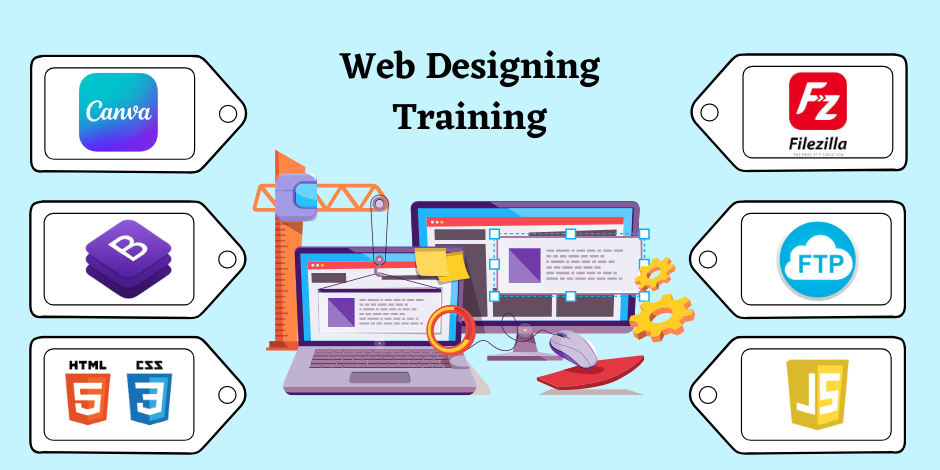
At TechAcademyPro, we understand that websites are the backbone of the digital world. Businesses, brands, and individuals all need websites that are visually appealing, user-friendly, and functional. Our Web Design Course is carefully structured to help students master web design from scratch and become professional web designers in just 3 months.
This roadmap provides a clear path from learning the basics to creating real-world web projects, ensuring you are ready to launch a career in web design or freelancing.
📅 Month 1: Foundations of Web Design & HTML/CSS Basics
Week 1–2: Introduction to Web Design
You Will Learn
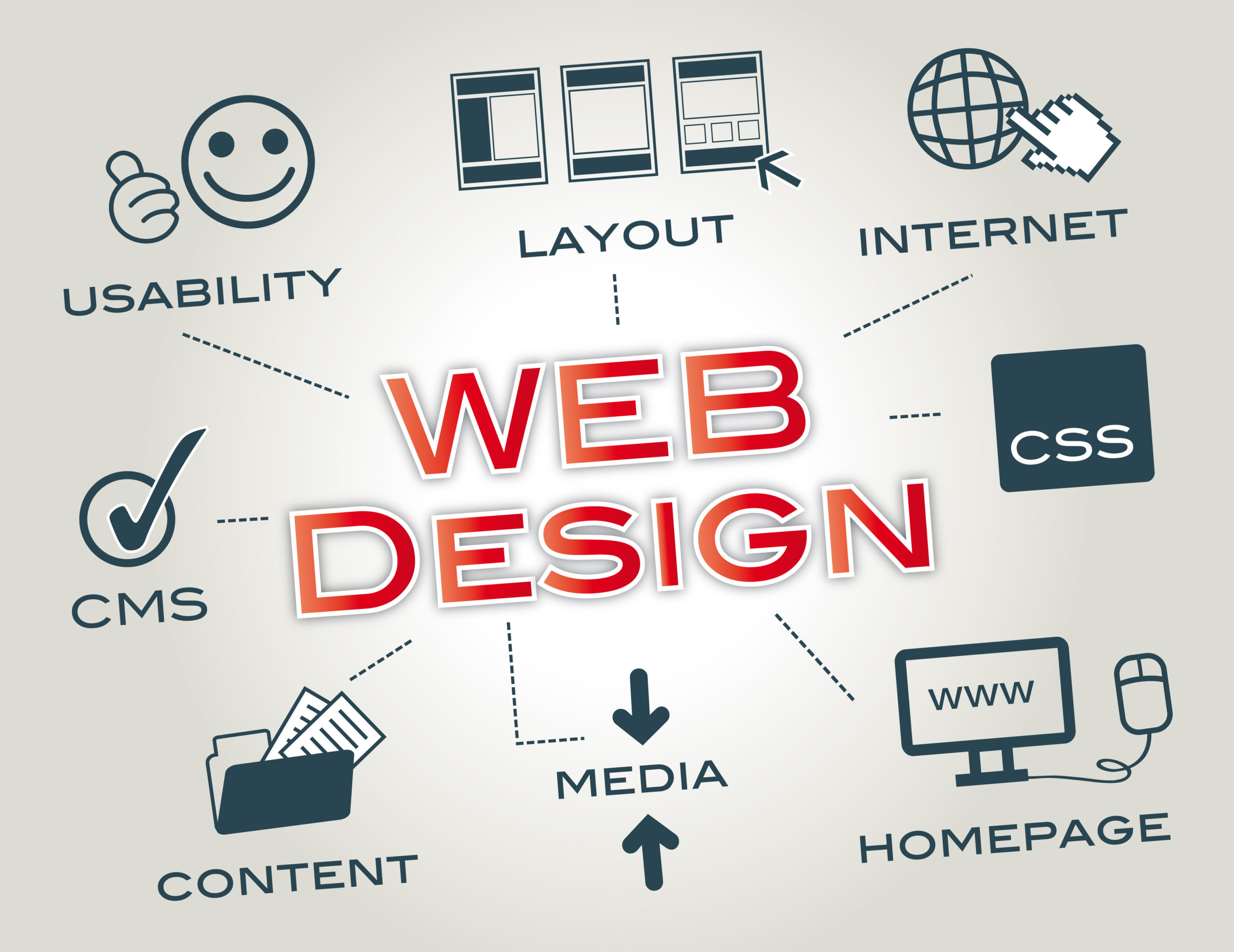
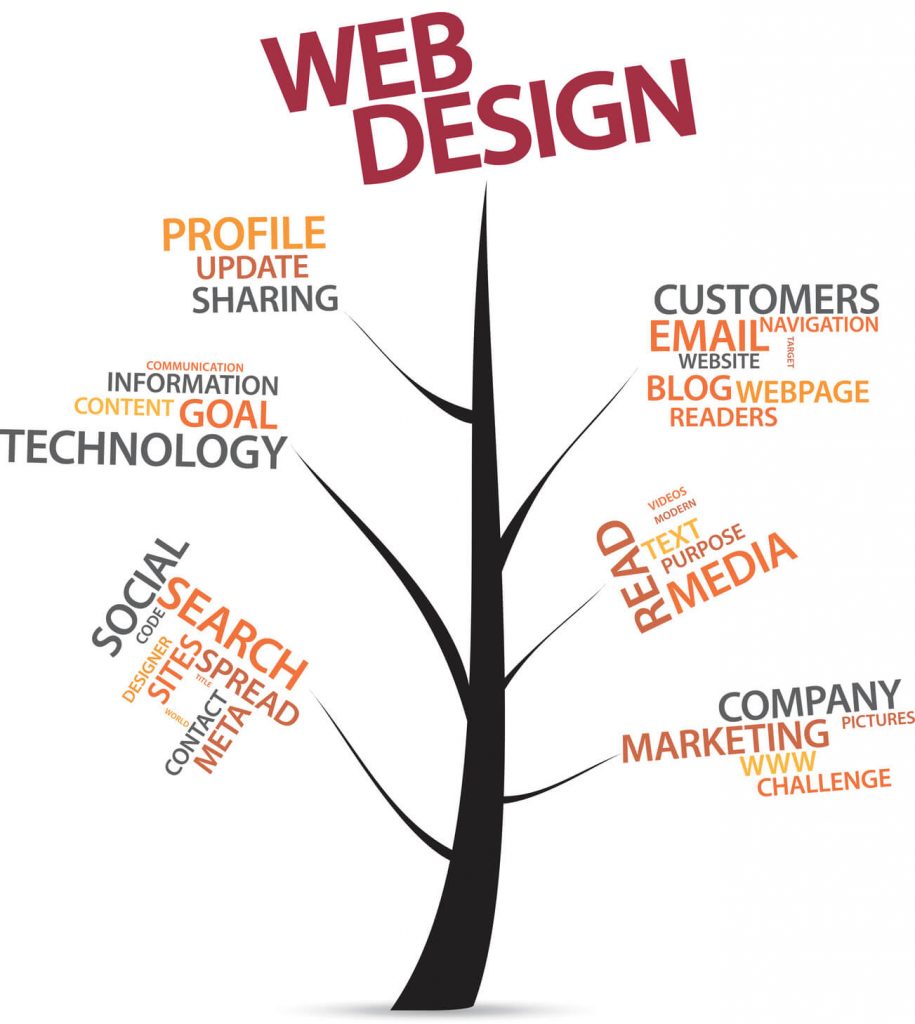
- What is web design and its importance
- Understanding websites, web pages, and web development
- Introduction to UI (User Interface) and UX (User Experience)
- Understanding website structure and wireframing basics
TechAcademyPro Note:
“A strong foundation ensures your designs are functional, beautiful, and user-friendly.”
Week 3–4: HTML & CSS Fundamentals

You Will Learn
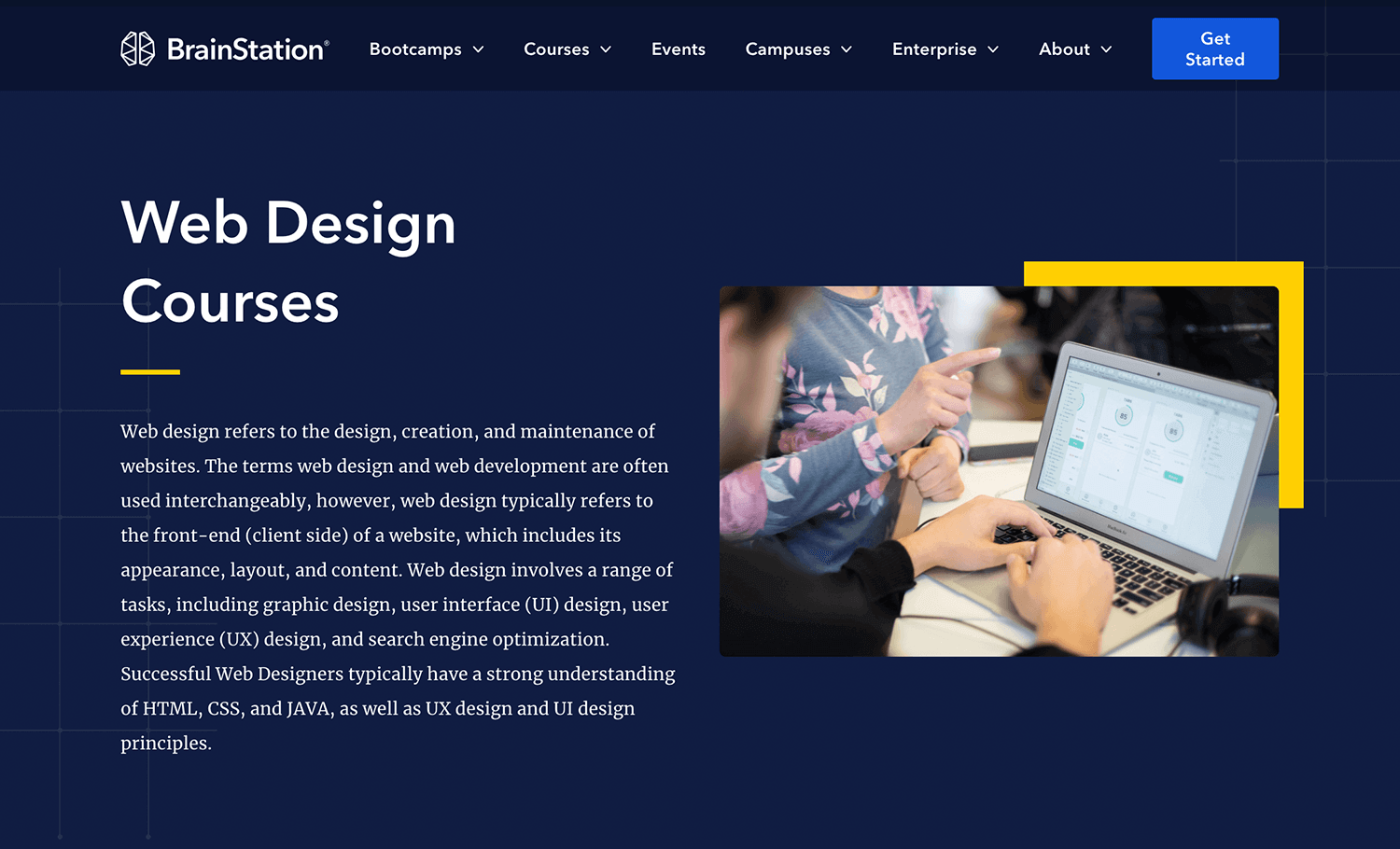
- HTML structure: tags, headings, paragraphs, links, images
- CSS basics: styling text, colors, layouts, and boxes
- Introduction to responsive design
- Hands-on mini-projects: personal portfolio page, landing page
TechAcademyPro Tip:
“HTML and CSS are the backbone of every website. Master them to create any design you imagine.”
📅 Month 2: Advanced Styling, Bootstrap, Tailwind & JavaScript
Week 5: Advanced CSS & Layouts

You Will Learn
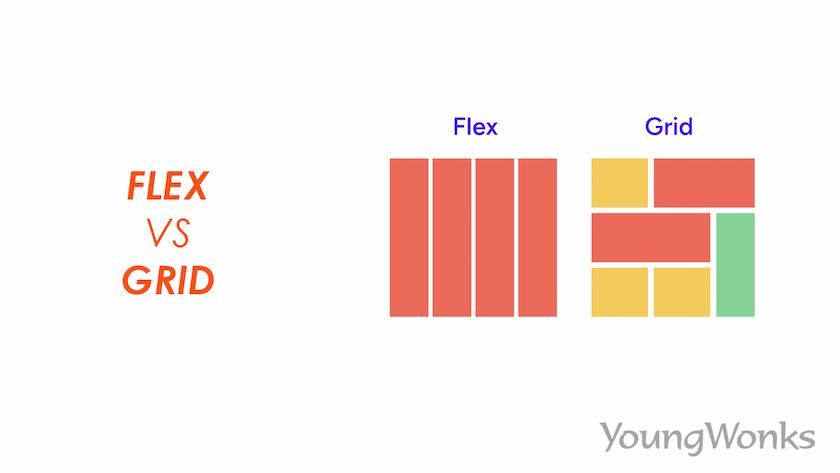
- CSS Flexbox & Grid for layout design
- Advanced typography and styling
- Animations and hover effects
- Buttons, forms, and interactive elements
- Project: Multi-section website with navigation
TechAcademyPro Approach:
“Advanced CSS makes your website visually professional and interactive.”
Week 6: Bootstrap & Tailwind CSS

You Will Learn
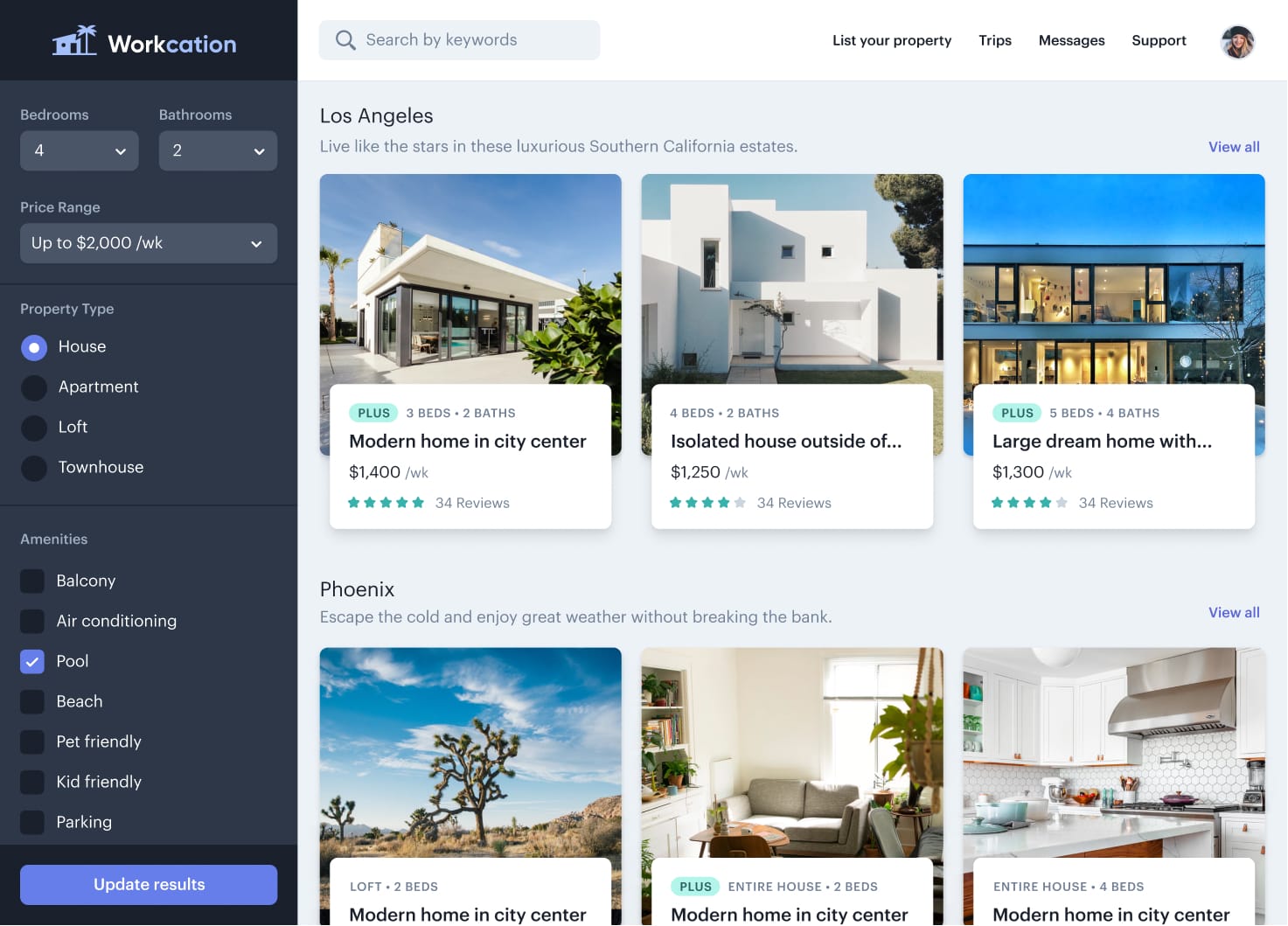
- Introduction to Bootstrap: grid system, components, navigation bars, modals
- Introduction to Tailwind CSS: utility-first framework, responsive classes, customizing designs
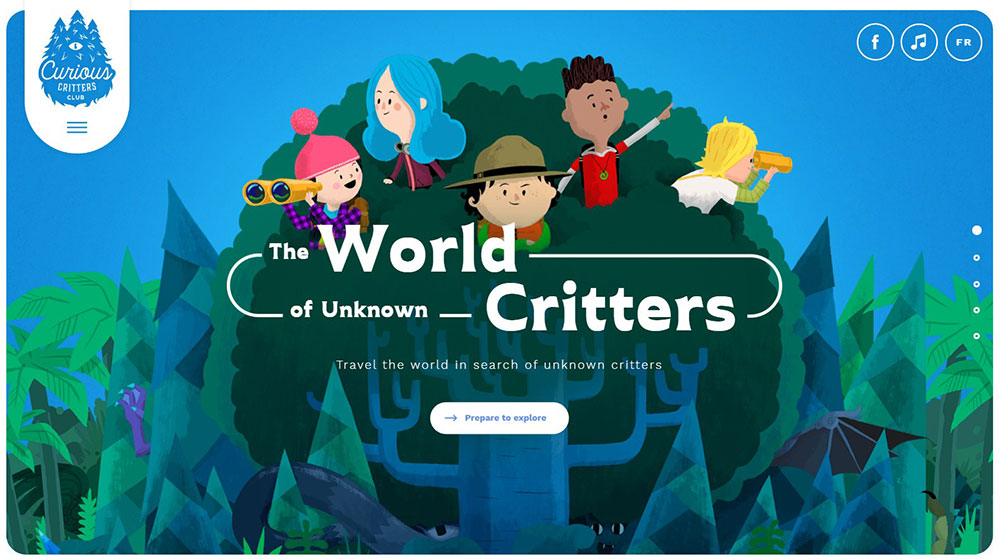
- Creating fully responsive websites quickly
- Hands-on mini-projects using both frameworks
TechAcademyPro Insight:
“Bootstrap and Tailwind CSS accelerate web design, making professional layouts achievable in less time.”
Week 7: JavaScript for Web Interactivity
You Will Learn
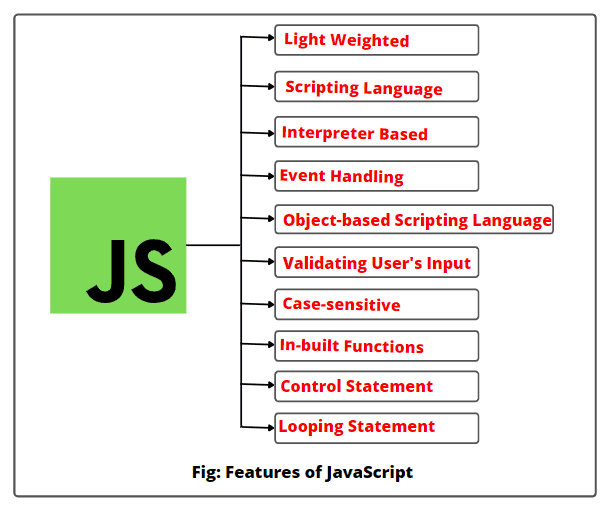
- JavaScript fundamentals: variables, functions, events
- Adding interactivity: sliders, pop-ups, and form validation
- DOM manipulation basics
TechAcademyPro Insight:
“JavaScript adds life to your designs. Interactive websites engage users and stand out.”
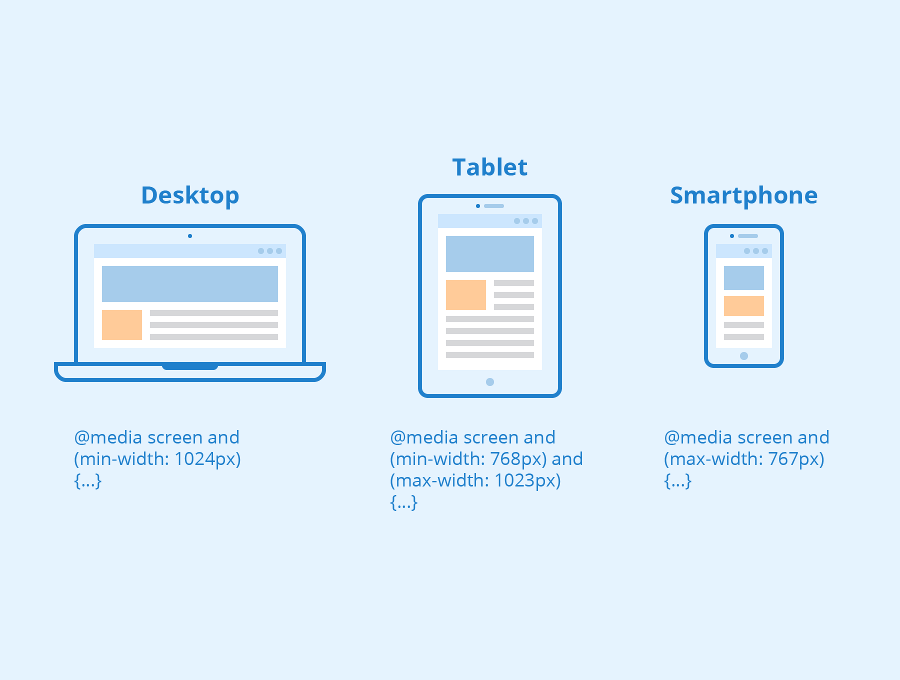
Week 8: Responsive & Mobile-First Design


You Will Learn
- Mobile-first design principles
- Media queries for multiple devices
- Testing and optimizing responsive layouts
- Best practices for modern web design
TechAcademyPro Tip:
“With most web traffic coming from mobile, your websites must adapt seamlessly.”
📅 Month 3: UI/UX, WordPress & Portfolio Projects
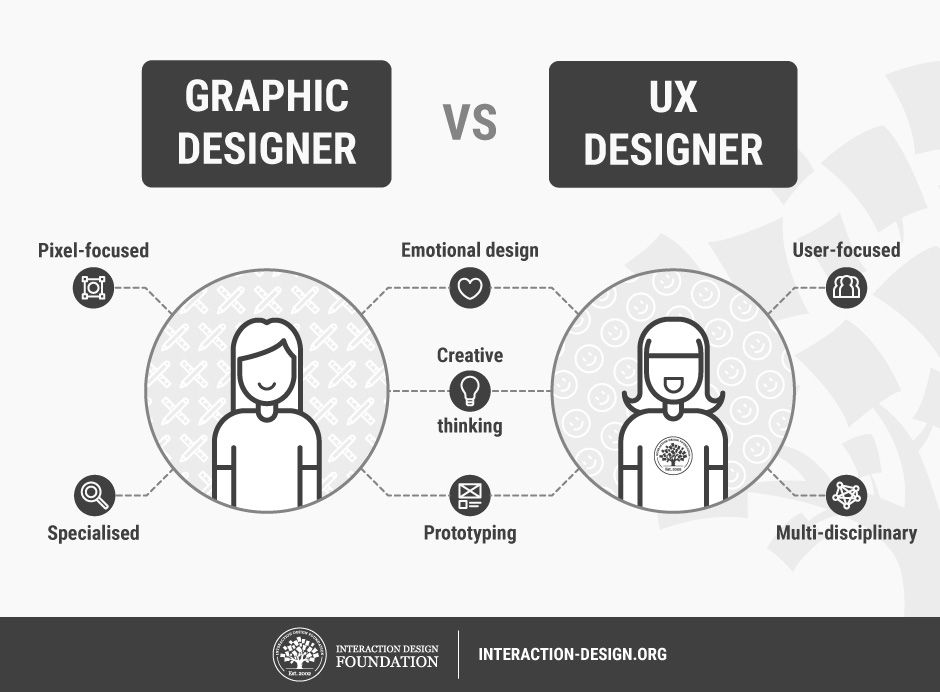
Week 9: UI/UX Design Principles


You Will Learn
- UI/UX fundamentals and design thinking
- Wireframes and prototypes
- Navigation and accessibility
- Tools: Figma or Adobe XD
TechAcademyPro Approach:
“User-first design ensures your websites are easy to use and visually appealing.”
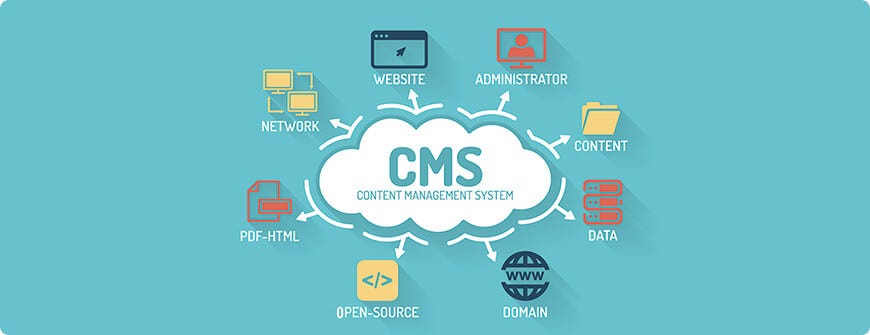
Week 10: WordPress & CMS Basics

You Will Learn
- Setting up WordPress websites
- Using themes, plugins, and page builders
- Customizing layouts without coding
- Managing website content
- Project: Blog or business website
TechAcademyPro Insight:
“WordPress remains the most popular platform. Learning it opens career and freelancing opportunities.”
Week 11–12: Final Projects & Portfolio Development

You Will Learn
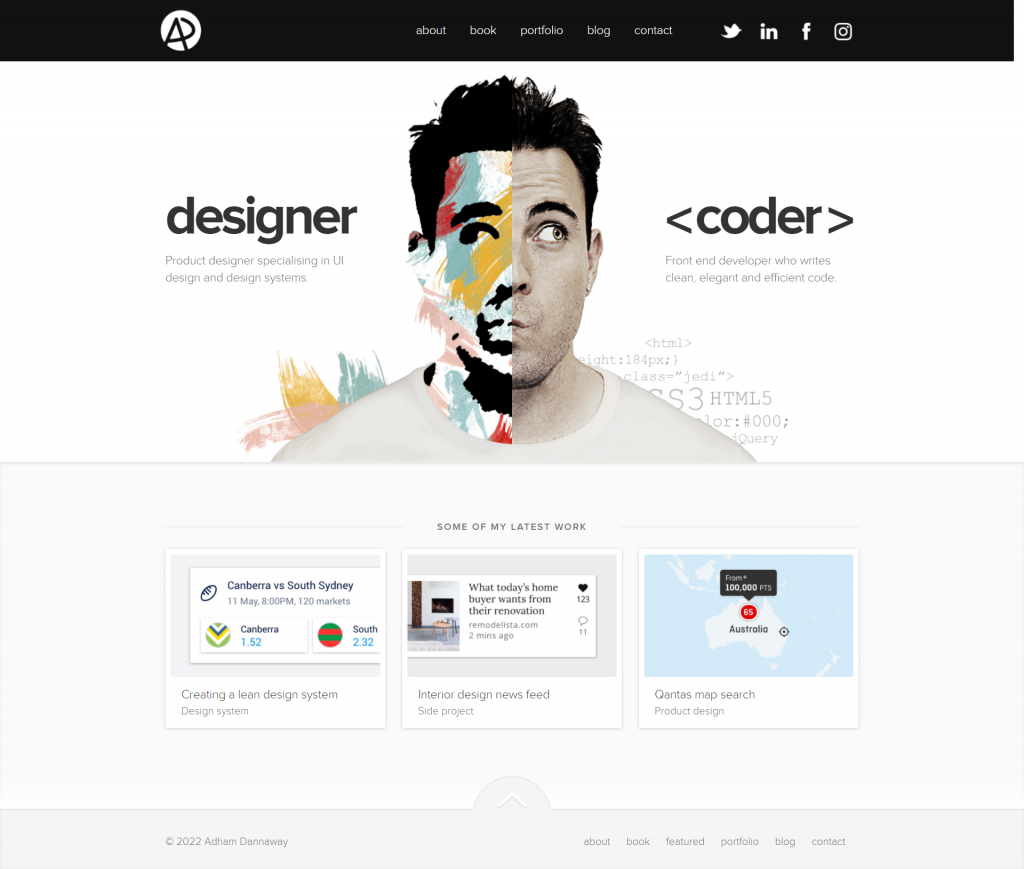
- Planning and building complete websites
- Showcasing your skills in a professional portfolio
- Optimizing websites for speed and basic SEO
- Preparing for freelancing or job opportunities
- Simulated client projects
TechAcademyPro Message:
“By the end of this course, you’ll have real projects and a portfolio ready to impress employers or clients.”
🎯 Final Outcome After 3 Months
After completing the Web Design Course at TechAcademyPro, you will be able to:
✔ Build fully responsive websites using HTML, CSS, Bootstrap, and Tailwind CSS
✔ Add interactivity with JavaScript
✔ Apply UI/UX principles for user-friendly designs
✔ Use WordPress and CMS tools for dynamic websites
✔ Build a professional portfolio and start freelancing or working in agencies
Why Choose TechAcademyPro for Web Design?
- Project-based, practical learning
- Experienced instructors with industry knowledge
- Freelancing and career guidance
- Modern labs with software access
- Certificate of completion
Final Words
Web design is a creative and highly demanded skill in today’s digital world. With TechAcademyPro’s 3-month roadmap, you can become a confident, professional web designer ready to launch your career.
Your journey begins here — and TechAcademyPro will guide you every step of the way.