
WordPress Course Roadmap — Become a WordPress Expert in 2 Months with TechAcademyPro


At TechAcademyPro, we understand that WordPress powers over 40% of websites worldwide, making it one of the most valuable skills for anyone looking to work in web development, blogging, eCommerce, or digital marketing. Our 2-month WordPress Course is designed to take students from beginner to professional level, enabling them to create, manage, and optimize WordPress websites efficiently.
Below is a complete 2-month roadmap for mastering WordPress.
📅 Month 1: WordPress Fundamentals & Basic Website Setup
Week 1: Introduction to WordPress


You Will Learn
- Understanding WordPress CMS and its ecosystem
- Difference between WordPress.com and WordPress.org
- Setting up hosting and domain
- Navigating the WordPress dashboard
- Installing themes and basic customization
TechAcademyPro Note:
“A strong foundation ensures you can manage websites professionally and confidently.”
Week 2: Creating Pages, Posts & Menus


You Will Learn
- Creating pages and posts
- Using categories and tags
- Managing menus and navigation
- Adding images, videos, and media
- Formatting content for readability
Week 3: Plugins & Widgets


You Will Learn
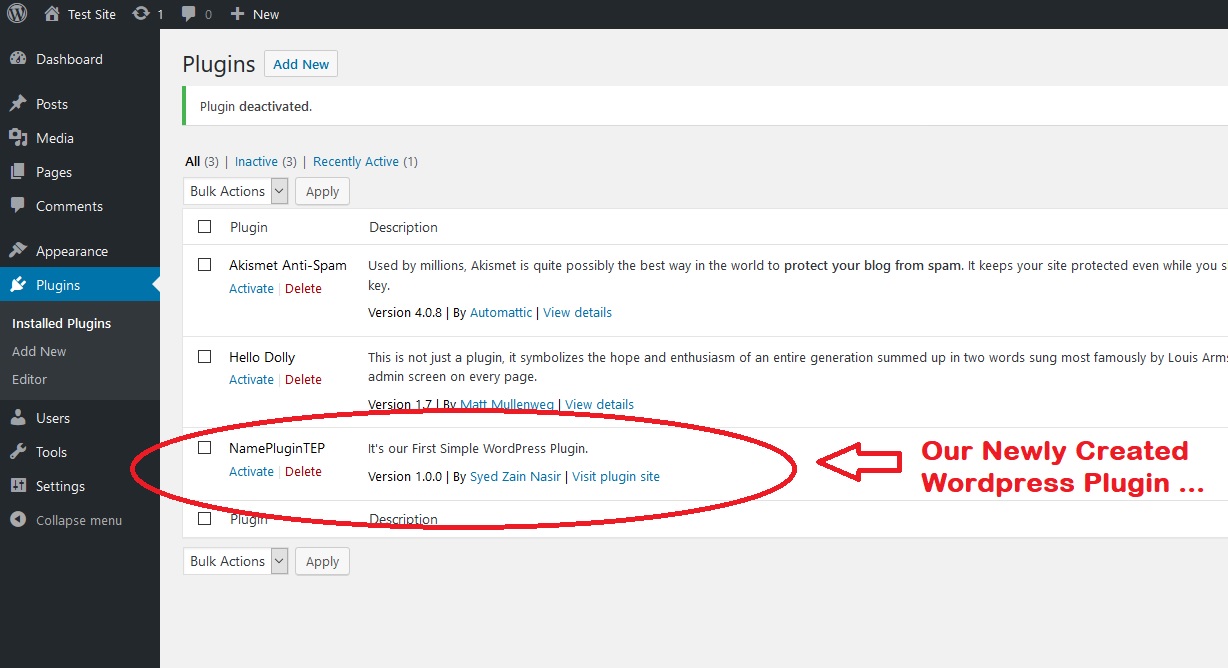
- Installing and managing plugins
- Popular plugins for SEO, security, caching, and performance
- Using widgets for sidebars and footers
- Enhancing website functionality
TechAcademyPro Tip:
“Plugins are the backbone of WordPress customization — knowing the right ones is key.”
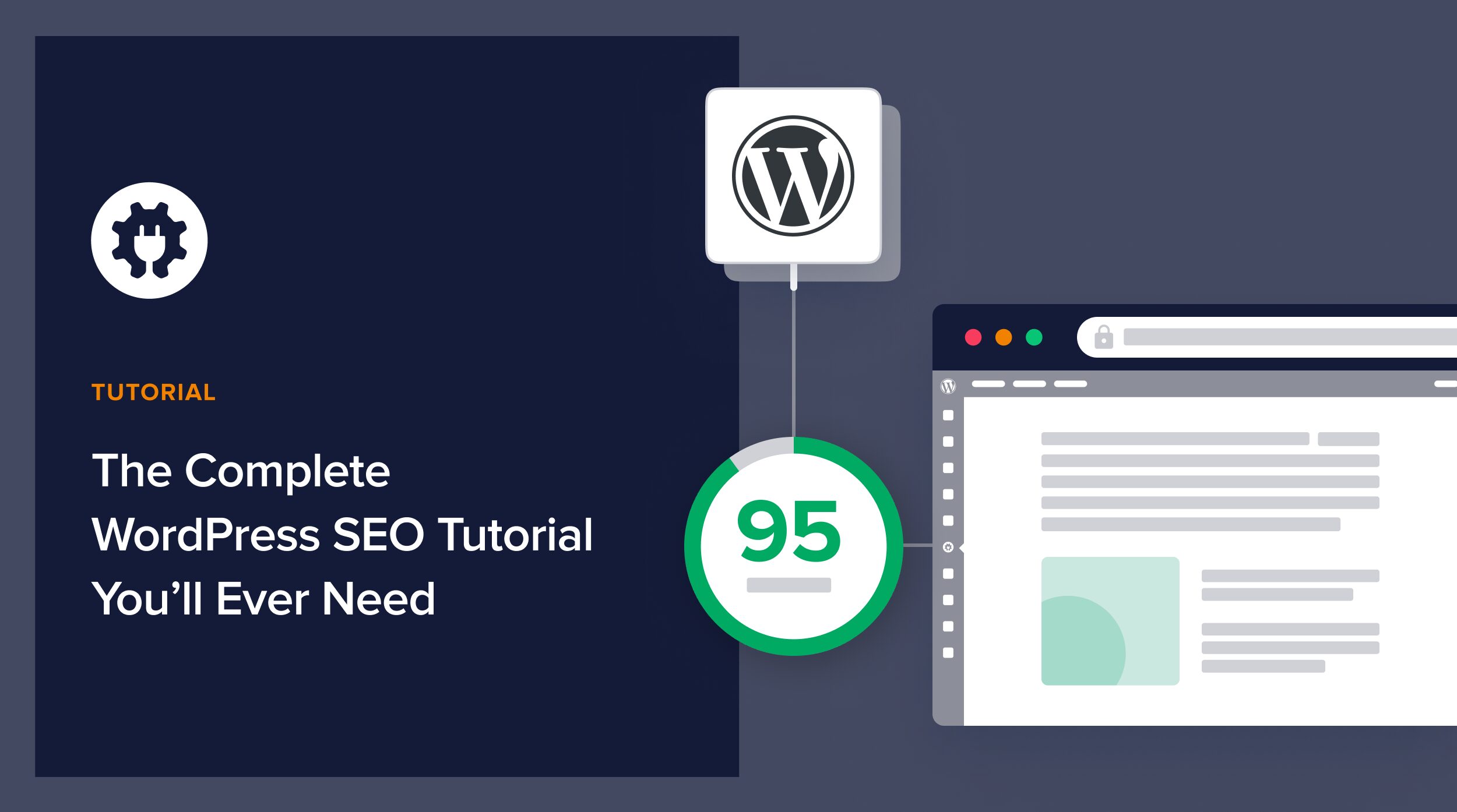
Week 4: WordPress SEO Basics & Security

You Will Learn
- Basic on-page SEO
- Installing SEO plugins (Yoast/Rank Math)
- Website security best practices
- Backups and updates
- Optimizing website speed
📅 Month 2: Advanced WordPress, eCommerce & Portfolio Projects
Week 5: Advanced Customization


You Will Learn
- Using page builders like Elementor, WPBakery
- Customizing themes with CSS
- Creating dynamic content layouts
- Building responsive websites for mobile and desktop
Week 6: WooCommerce & eCommerce Websites


You Will Learn
- Setting up WooCommerce
- Adding products, categories, and pricing
- Managing payments, shipping, and taxes
- Customizing store layouts
- Creating promotional banners and product pages
TechAcademyPro Insight:
“WordPress + WooCommerce is a powerful combination for building online stores quickly.”
Week 7: WordPress Optimization & Analytics

You Will Learn
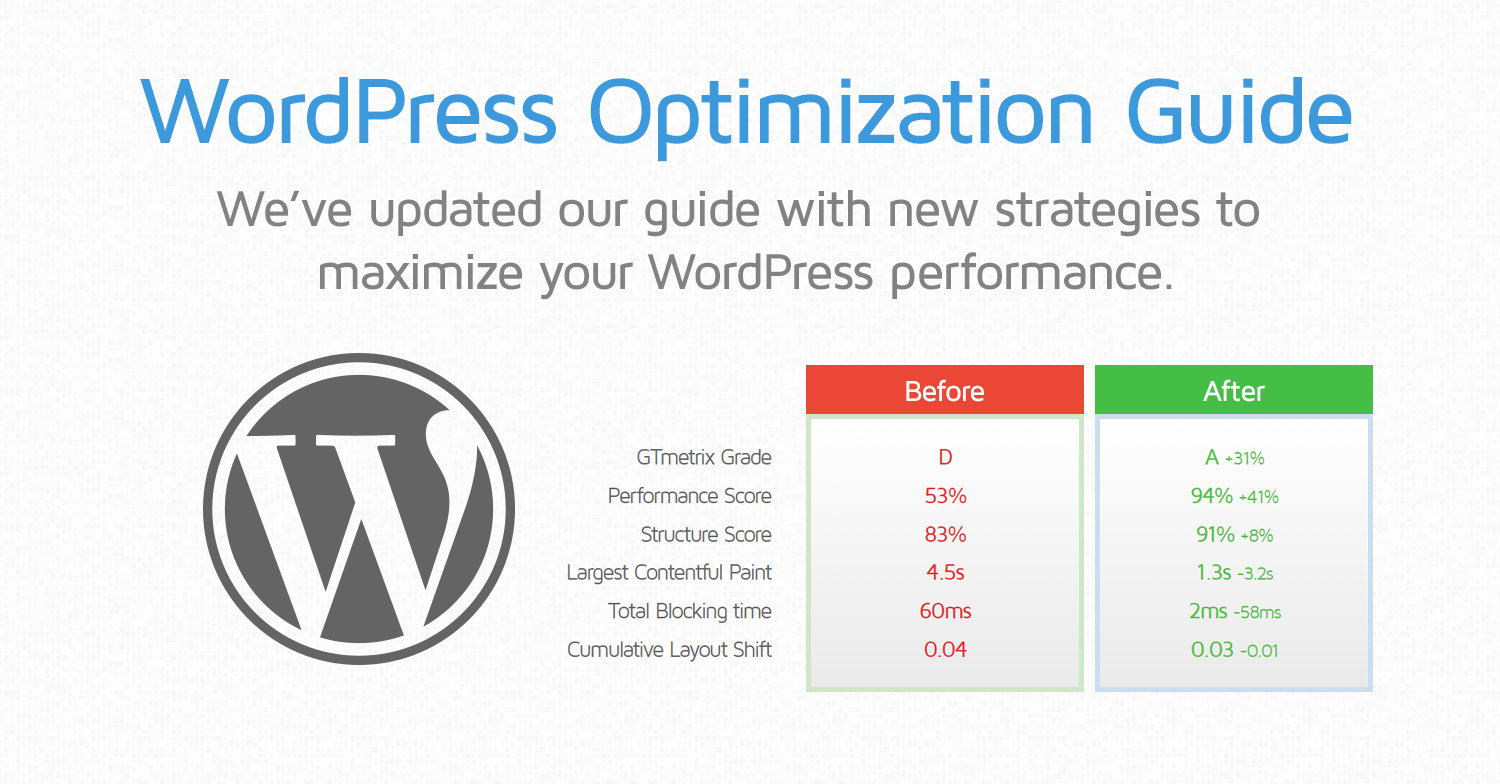
- Caching plugins and performance optimization
- Image optimization for faster load times
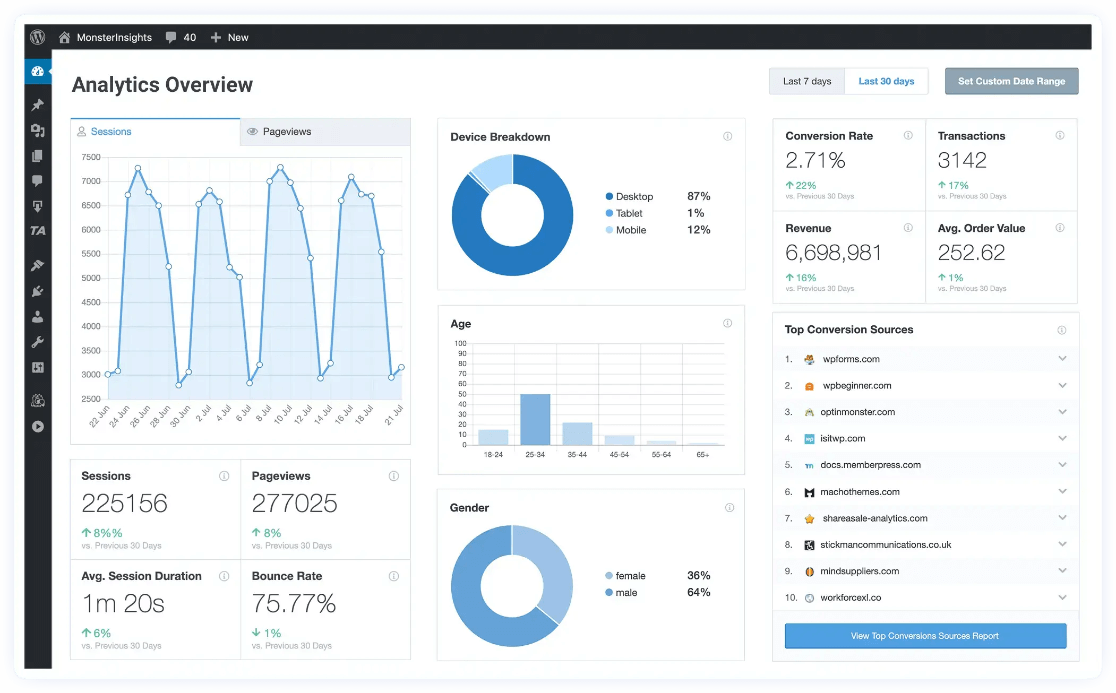
- Integrating Google Analytics
- Tracking user behavior and website traffic
- Troubleshooting common WordPress issues
Week 8: Final Projects & Portfolio Building


You Will Learn
- Planning and building a complete website
- Showcasing projects in a professional portfolio
- Publishing blogs, pages, and online stores
- Freelancing guidance for WordPress projects
- Preparing for client work or job interviews
TechAcademyPro Message:
“By the end of this course, you’ll be ready to manage WordPress websites professionally and start freelancing or working in agencies.”
🎯 Final Outcome After 2 Months
By completing the WordPress Course at TechAcademyPro, you will be able to:
✔ Create professional WordPress websites from scratch
✔ Customize themes and layouts
✔ Manage plugins, widgets, and SEO
✔ Build WooCommerce online stores
✔ Optimize website speed and security
✔ Develop a strong portfolio for freelancing or job opportunities
Why Choose TechAcademyPro for WordPress?
- Practical, project-based training
- Experienced instructors
- Hands-on experience with real websites
- Freelancing and career guidance
- Certificate of completion
Final Words
WordPress is the most popular website platform, and mastering it opens doors to web development, blogging, and eCommerce opportunities. With TechAcademyPro’s 2-month roadmap, you’ll gain the skills, confidence, and experience needed to become a professional WordPress developer.
Start your WordPress journey today, and let TechAcademyPro guide you every step of the way!