
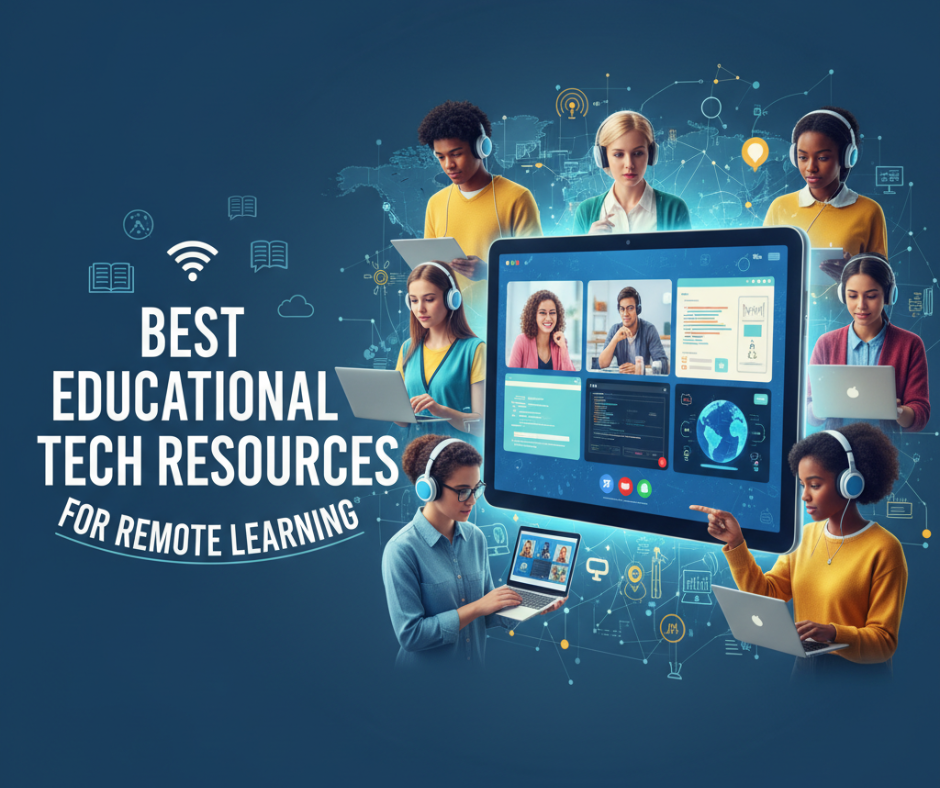
Best Educational Tech Resources for Remote Learning
In an era when remote learning has become a foundational mode of education, having the right tech resources can make all the difference. Whether you’re a student, teacher, or educational administrator, equipping yourself with tools that promote engagement, productivity, and deep learning is essential. Below, we explore some of the top educational tech resources that are reshaping online learning — plus tips on how to use them well.
Why Educational Tech Matters Now
Remote learning isn’t just a temporary solution—it’s now an integral part of modern education. Tech tools help:
- Overcome geographical or scheduling barriers
- Tailor learning experiences to individual needs
- Increase student engagement through interactive content
- Enable assessment and feedback even when learners are dispersed
- Support collaboration and communication in virtual settings
As remote and hybrid models become more common, educators and learners alike benefit by adopting platforms, apps, and tools designed for online environments.
Top Tools & Platforms
Below are categories of educational tech and standout examples you might use to build a solid remote learning setup.
| Category | Tool / Platform | What Makes It Stand Out |
|---|---|---|
| Learning Management Systems (LMS) | Canvas, Moodle, Google Classroom | Robust course organization, assignment tracking, integrated grading and feedback. Google Classroom especially easy to ramp up for teachers without steep learning curves. |
| Video & Live Teaching | Zoom, Microsoft Teams, Webex, BigBlueButton | Support for live lectures, breakout rooms, live polls, whiteboarding. Microsoft Teams integrates with Office tools; BigBlueButton is open-source and built for education. |
| Interactive & Formative Assessment | Quizlet, Kahoot!, Nearpod, Poll Everywhere | Gamified quizzes, instant feedback, slides can include polls and interactive questions to check learning in real time. |
| Supplemental Course Platforms | Coursera, edX, Udemy, Skillshare | Access to MOOCs, professional certificate programs, skill-based learning. Great for learners who want to augment their regular curriculum. |
| Note-Taking & Organization | Notion, Evernote, OneNote, Trello | Tools that help students stay organized — track tasks, take structured notes, plan projects, collaborate with peers. |
| Accessibility & Inclusion | Read-Aloud tools, Speech-to-Text / Captions, Alt Text tools (e.g., Microsoft Immersive Reader, Google Live Transcribe) | Make learning materials accessible to all learners, including those with disabilities, language learners, or those with limited Internet. |
| Learning Enhancement & AI | AI tutors / writing assistants, adaptive practice platforms (e.g., DreamBox, IXL) | Help personalize learning paths; adjust difficulty based on performance; give extra practice where needed. |
How to Combine Them Into a Seamless Stack
Having individual tools is great, but combining them strategically creates a remote learning “stack” that works well together. Here’s how you might build yours:
- Core LMS + Live Class Tool
Use an LMS as the backbone to house course materials, assignments, discussions. For live teaching, integrate Zoom or Teams. The LMS handles submissions; the video tool handles face-to-face instruction. This reduces friction for both teachers and students. - Interactive Check-Ins & Feedback
During or between lectures, use Kahoot! or Nearpod to keep students engaged. Use quizzes and polls to assess understanding. Instant feedback helps instructors adapt pacing and clarify misconceptions. - Supplemental Learning Paths
For students who want more or need extra help, supplement with MOOCs (Coursera, edX) or adaptive platforms. Offer optional modules or remedial practice so that no one falls behind. - Productivity & Personal Management
Tools like Notion or Trello help learners schedule study blocks, track assignments, group work, and reflection. A shared calendar for deadlines (embedded in LMS or through Teams/Google Calendar) helps everyone stay aligned. - Accessibility Features and Support
Always include captions/transcripts for videos, high-contrast materials, alt text for images, and multiple formats of content (video, audio, text). Use tools that help automatically transcribe or convert materials. This ensures inclusivity.
Best Practices for Effective Implementation
Even with excellent resources, remote learning can run into problems if implementation is weak. Apply these practices to get the best results:
- Micro-learning & Bite-sized Content: Break lectures or content into shorter, digestible segments (10-20 minutes). Keep live sessions interactive rather than lecture only.
- Clear Instructions & Rubrics: Each assignment should come with a checklist, a rubric, and clearly communicated deadlines. Uncertainty wastes time.
- Scaffolded Learning: Begin with simple tasks, then gradually increase complexity. Use formative assessments to help learners build confidence.
- Frequent Feedback Loops: Provide regular feedback (written or verbal). Use math or reading analytics, quiz results, or peer reviews to adjust pacing and content.
- Community & Peer Interaction: Incorporate forums, group projects, and peer review to reduce isolation. Students learn a lot through collaboration.
- Flexibility & Adaptability: Recognize that learners come from different contexts (connectivity, time zones, resources). Be ready to adapt: record classe s, provide offline/low-bandwidth options, allow extensions when needed.
Case Study: Example Stack for a High School Course
Here’s a sample setup for a high school teacher managing a full year physics course:
- LMS: Canvas to upload lecture slides, homework assignments, lab reports.
- Live Sessions: Zoom for weekly live interactive class, breakout rooms for lab group work.
- Interactive Learning: Nearpod for virtual labs and simulations; Kahoot! for quiz game review of student comprehension.
- Supplemental Content: Use Khan Academy modules for extra practice in challenging topics (e.g., forces, waves).
- Note Organization: Students use OneNote or Notion to keep digital notebooks, record questions, and collaborate.
- Accessibility: All lecture videos include captions. Provide downloadable audio summaries and PDFs.
This stack balances synchronous + asynchronous, content + interaction, assessment + feedback.
Challenges & How to Overcome Them
- Digital Divide / Connectivity Issues: Provide low-res media versions, downloadable content, or asynchronous options.
- Motivation & Engagement Drops: Use gamification, peer accountability, regular check-ins, and varied content to keep things lively.
- Teacher Workload: Reuse content, share templates, co-teach or collaborate, automate grading where possible.
- Maintaining Academic Integrity: Use project-based assessments; open-book exams; use plagiarism detection tools; use timed quizzes where appropriate.
Looking Ahead: Emerging Trends in Remote Education Tech
- AI-Powered Tutors & Personalized Pathways – Tools that adapt in real-time to student performance will continue to grow.
- Immersive Technologies – AR/VR and simulations will make abstract concepts (science labs, engineering, history) more concrete.
- Learning Analytics – Rich dashboards to track not just completion, but engagement, emotional signals, and long-term growth.
- Gamification & Immersive Storytelling – More tools will borrow game design to increase motivation and retention.
Conclusion
Remote learning can be every bit as effective as in-person education — if you use the right tools and strategies. Start with a solid LMS, integrate live teaching, build in interactive checks, supplement with online coursework, stay organized, ensure inclusivity, and keep refining your approach. With the right stack and mindset, educators and students can thrive in remote or hybrid settings.