
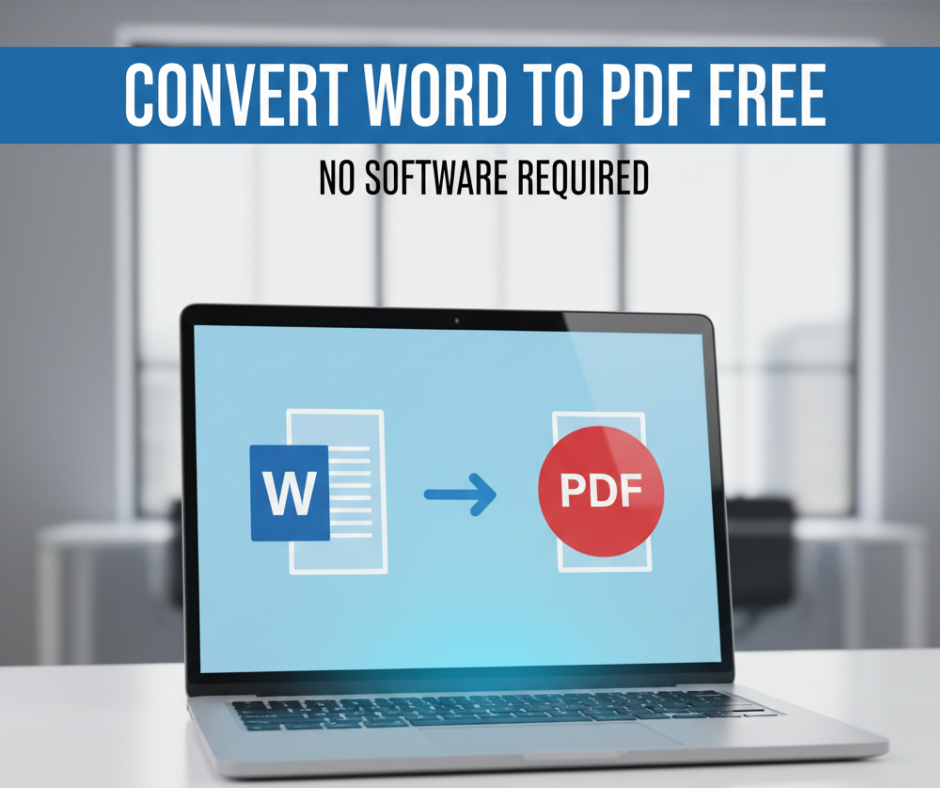
Convert Word to PDF Free – No Software Required
In a world where work and learning are increasingly digital, PDF documents have become the universal standard for sharing files. Whether you’re submitting an assignment, sending a business proposal, or uploading product documentation, PDFs ensure your formatting remains consistent on every device.
But what if you only have a Word document and need to convert it quickly—without downloading software?
Good news: You can convert Word to PDF free, securely, and instantly using online tools available in your browser. No installations, no subscriptions, no hassle.
In this blog, we’ll explore how to convert Word files to PDF effortlessly, why PDF is the preferred document format, and the best free online Word-to-PDF converters you can start using today.
🔍 Why Convert Word to PDF?
While Word documents (.doc or .docx) are great for writing and editing, they can create issues when shared:
| Problem in Word File | How PDF Helps |
|---|---|
| Formatting changes across devices | PDF maintains original layout & fonts |
| Editable content on every computer | PDF allows secure viewing-only mode |
| File may look different in other viewers | PDF ensures universal compatibility |
| Word requires specific apps | PDF works on all devices |
PDFs are stable, secure, and professional.
That’s why employers, schools, and clients often request documents in PDF format.
⚡ Benefits of Using Online Word to PDF Tools
Online converters are gaining popularity because they offer major advantages:
✅ Completely Free
✅ No installation or setup required
✅ Works on any device (Windows, Mac, Android, iPhone)
✅ Preserves fonts, images & formatting
✅ Lightning-fast conversions
✅ Supports DOC, DOCX & even RTF formats
Whether you’re working from a laptop, tablet, or phone, you can convert files in just a few clicks.
✅ How to Convert Word to PDF Online (Simple Steps)
1️⃣ Go to a Free Online Word to PDF Converter
2️⃣ Upload your Word document
3️⃣ Click Convert
4️⃣ Download your high-quality PDF file
That’s it — just a few seconds!
Many tools even let you drag and drop files, making the process effortless.
🏆 Best Free Tools to Convert Word to PDF Instantly
Here are some top-performing and user-friendly online converters:
⭐ 1. Smallpdf Word to PDF
A well-known tool offering fast, secure conversion and cloud integration.
⭐ 2. Adobe Acrobat Online
From the creators of PDF — professional, accurate formatting guaranteed.
⭐ 3. Google Drive + Google Docs
You can open a Word file in Docs and download it as PDF for free.
⭐ 4. Microsoft Word Online
If you have a Microsoft account, you can convert directly inside Word.
⭐ 5. ILovePDF
All-in-one PDF tool with editing, merging, and compression features.
All these websites allow free Word to PDF conversion with secure file handling.
🔐 Is It Safe to Upload My Document Online?
Most reputable PDF tools offer encrypted file handling and auto-delete uploads after conversion.
✅ Look for “HTTPS” in the website URL
✅ Avoid uploading confidential or legal documents to unknown sites
✅ Prefer trusted brands like Adobe or Google for sensitive files
🛠 Additional Tools That Make Work Easier
While converting Word to PDF is the most common need, online PDF tools also let you:
➡ Merge multiple PDFs
➡ Convert PDFs back to Word
➡ Compress file size for emailing
➡ Add e-signatures
➡ Edit text and images
These tools help students, teachers, and business professionals streamline document workflows without installing heavy desktop applications.
🎯 Who Benefits Most from Online Converters?
✅ Students – submitting assignments and academic papers
✅ Teachers – creating printable worksheets and resources
✅ Freelancers – sending portfolios and client proposals
✅ Businesses – preparing invoices, agreements, reports
✅ Job Seekers – exporting CVs/resumes to PDF format
No matter the purpose — PDF keeps documents professional and secure.
✅ Quick Tip for Mobile Users
If you’re converting on a smartphone:
📌 Use built-in apps like Google Docs or Word mobile
📌 Use online converters optimized for mobile browsers
📌 Save files directly to Google Drive or iCloud for future access
This helps you convert and share documents even while traveling.
🧩 Why PDFs Stay the Preferred Format — Now and in the Future
With hybrid work, remote education, and e-commerce on the rise, document sharing must be:
📌 Reliable
📌 Universal
📌 Secure
PDF checks all the boxes.
And improving technologies — like AI-powered layout optimization — are making PDF workflows smarter than ever.
So whether you’re in school, running a startup, or working in corporate environments, PDFs will remain a critical part of professional documentation.
✅ Final Thoughts
If you’re tired of formatting glitches and last-minute document headaches, switching to PDF is the smartest move.
And the best part?
👉 You can now convert Word to PDF for free
👉 You don’t need to install any software
👉 It works from any device, anytime
From school assignments to important business documents — PDF ensures your file always looks exactly the way you designed it.
So next time you’re ready to share a Word document, convert it online instantly and send it with confidence