
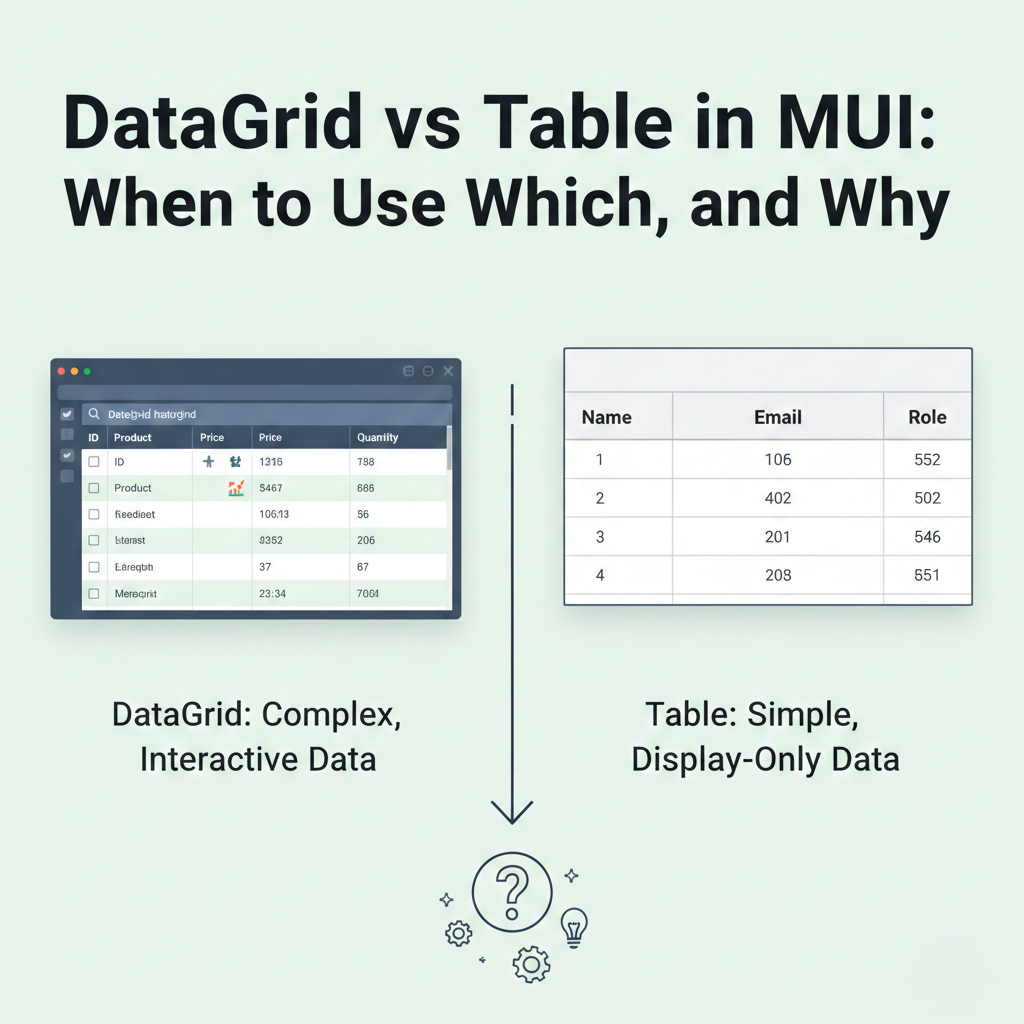
DataGrid vs Table in MUI: When to Use Which, and Why
When building modern React applications with Material UI (MUI), developers often face a key decision:
Should I use the MUI DataGrid or the MUI Table component?
Both are powerful UI components, but they are designed for very different use cases. Choosing the wrong one can lead to performance issues, unnecessary complexity, or limited functionality.
In this blog, you’ll discover:
- The core differences between MUI DataGrid and MUI Table
- When to use each
- The pros and cons
- Performance considerations
- 2025 best practices for choosing the right component
Whether you’re building admin dashboards, CRUD apps, or analytics tools, this guide will help you choose the right MUI component every time.
⭐ Understanding the Core Difference
Before comparing features, understand the fundamental distinction:
🔵 MUI Table
A lightweight UI component for displaying simple, static, or custom-designed tables.
🔵 MUI DataGrid
A feature-rich, high-performance component for large datasets, interactive grids, and enterprise dashboards.
In short:
| Use Case | Best Choice |
|---|---|
| Simple table UI | Table |
| Interactive data grids | DataGrid |
| Custom-designed layouts | Table |
| Sorting/filtering/pagination | DataGrid |
| Large datasets | DataGrid |
⭐ What Is MUI DataGrid?
The DataGrid is part of MUI X, created for building advanced data tables with:
- Sorting
- Filtering
- Pagination
- Column resizing
- Selection
- Server-side data loading
- Virtualization (for 100k+ rows)
- Editing
- Exporting
- Toolbar actions
It’s designed for administration systems, CRMs, analytics dashboards, and complex business interfaces.
✔ Ideal For:
- Massive datasets
- Interactive grids
- CRUD operations
- Performance-intensive applications
✖ Not Ideal For:
- Simple displays
- Fully custom table layouts
- SEO-heavy pages (DataGrid is interactive, not static)
⭐ What Is MUI Table?
The Table component is a flexible, basic table structure ideal for:
- Simple lists
- Static content
- Custom table designs
- Pages that require full styling control
You manually implement features like sorting and pagination, making it ideal for highly tailored UIs.
✔ Ideal For:
- Simple data display
- UI-heavy custom layouts
- Email-style layouts
- Static content pages
✖ Not Ideal For:
- Huge data lists
- Heavy interactions (filtering, editing, etc.)
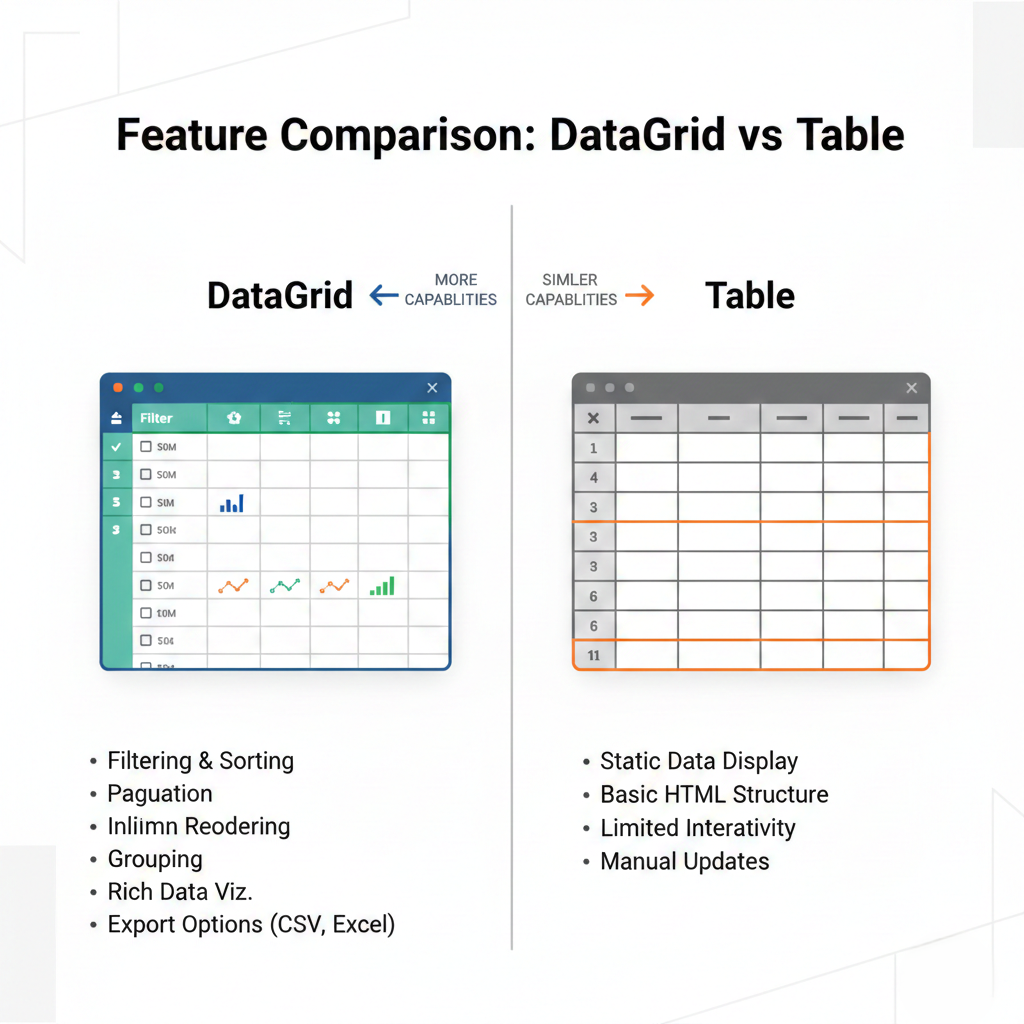
⭐ Feature Comparison: DataGrid vs Table
Here is a side-by-side comparison of features:
| Feature | MUI Table | MUI DataGrid |
|---|---|---|
| Basic data layout | ✔ | ✔ |
| Pagination | Manual | Built-in |
| Sorting | Manual | Built-in |
| Filtering | Manual | Built-in |
| Row selection | Manual | Built-in |
| Infinite scroll / virtualization | Manual & complex | Built-in |
| Column hiding & resizing | Manual | Built-in |
| Server-side data support | Manual | Built-in |
| Export to CSV | ❌ | ✔ |
| Row editing | Manual & complex | ✔ (Pro) |
| Custom UI flexibility | ✔✔✔ | ✔ |
| Performance on 50k+ rows | Poor | Excellent |
| SEO optimization | Good | Not ideal |
| Custom layout freedom | High | Medium |
⭐ When to Use MUI Table
Use Table when:
1. You need a simple table
If you’re only showing 10–100 rows without complex interactions, Table is perfect.
Example pages:
- Pricing lists
- Employee lists
- Static reports
- Invoices
- Receipt layouts
2. You need custom UI and styling
Table gives full control over:
- TableHeader
- TableBody
- TableRow
- TableCell
Great for highly designed UIs like dashboards or stat tables.
3. You want SEO-friendly output
Tables render pure HTML, making them readable by search engines.
4. You want a lightweight component
MUI Table is smaller, faster, and easier to load.
⭐ When to Use MUI DataGrid
Use DataGrid when:
1. You’re handling large datasets
If your app loads:
- 5,000 rows
- 20,000 rows
- 100,000+ rows
DataGrid uses virtualization, making it extremely lightweight.
2. You need built-in interactivity
DataGrid saves developers hours because it comes with:
- Sort
- Filter
- Search
- Pagination
- Toolbar
- Selection
- Column menu
- Pinning
- Density options
No need to write these manually.
3. Your table supports CRUD
DataGrid supports editable cells (DataGrid Pro).
4. You’re building business tools
Perfect for:
- Admin dashboards
- Finance systems
- Warehouse management
- CRM tools
- Product inventory
5. You need server-side operations
DataGrid is optimized for:
- Server-side pagination
- Server-side sorting
- Real-time data
⭐ When Not to Use DataGrid
Avoid DataGrid when:
- You need heavy UI customization
- You’re designing minimalistic pages
- You want SEO-focused pages
- You only have very small datasets
- You need full HTML control
For these, Table is better.
⭐ Performance Considerations
🟩 For small datasets (0–500 rows):
Use Table — simpler and faster.
🟧 For medium datasets (500–5,000 rows):
Use either, depending on UI complexity.
🟥 For large datasets (5,000+ rows):
Use DataGrid — virtualization makes it lightning-fast.
⭐ 2025 Best Practices for Choosing Between DataGrid and Table
Here are modern guidelines:
✔ Use DataGrid when functionality matters.
If features > design → DataGrid wins.
✔ Use Table when design matters.
If design > features → Table wins.
✔ For dashboards → DataGrid
✔ For static pages → Table
✔ For multi-level layouts → Table
✔ For data-heavy administration screens → DataGrid
⭐ Conclusion
Both MUI DataGrid and MUI Table are excellent — but their roles are very different.
- Use MUI Table when you need simplicity, custom layouts, and clean UI.
- Use MUI DataGrid when you need performance, interactivity, and advanced functionality.
Choosing the right component saves development time, improves user experience, and ensures your application stays scalable and maintainable.
If you want, I can also create: