
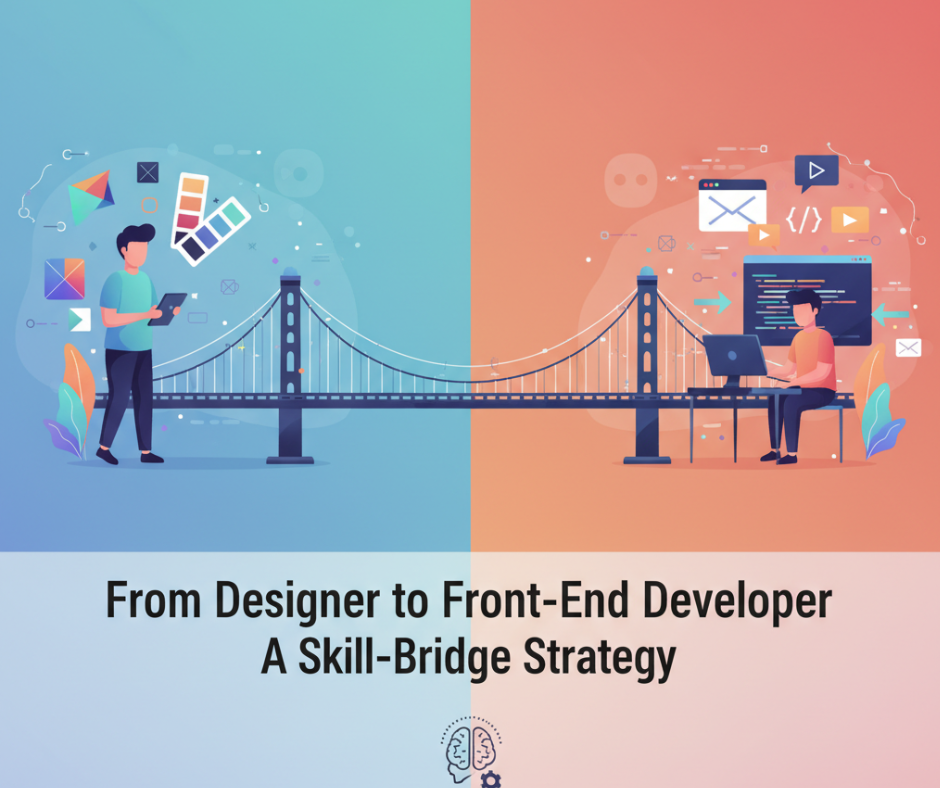
From Designer to Front-End Developer: A Skill-Bridge Strategy
The line between design and development is getting thinner every year. Modern designers aren’t just creating static visuals — they’re building interactive experiences. And front-end developers are no longer just coders; they’re shaping digital aesthetics with precision.
If you’re a designer looking to expand your career opportunities, learning front-end development might just be your best next move. This journey doesn’t require you to abandon creativity — instead, it lets you bring your designs to life.
Let’s explore how you can successfully bridge the gap between design and development — and why it’s worth every second.

🎨 1️⃣ Why Designers Should Learn Front-End Development
As a designer, you already understand how users think and interact.
But when you learn how to code, you gain the ability to implement your vision directly — without depending entirely on developers.
Here’s what you gain:
- 💻 More control over user experience (UX)
- ⚙️ Better communication with development teams
- 🚀 Faster implementation of prototypes
- 💰 Higher-value job opportunities
Designers who know HTML, CSS, and JavaScript instantly become more valuable — because they can design and deliver.
🧠 2️⃣ Start With the Core Front-End Skills
To transition smoothly, start by mastering the building blocks of the web:
🔹 HTML
Understand the structure of web pages. Learn how headings, sections, and elements work together.
🔹 CSS
This is where your design instincts shine. Master layout systems like Flexbox and Grid, and experiment with animations and transitions.
🔹 JavaScript (JS)
Once you’re comfortable styling, learn JS to add interactivity. Start with DOM manipulation, event handling, and basic logic.
🔹 Responsive Design
Your design background gives you an edge here. Learn how to make layouts flexible across devices.
Start small — build your portfolio site from scratch using these three technologies.
⚛️ 3️⃣ Level Up with Modern Tools
Once you’re confident in HTML/CSS/JS, explore modern frameworks that make development faster and more dynamic:
- React – Ideal for building reusable UI components.
- Tailwind CSS – Simplifies styling with utility-first classes.
- Git & GitHub – For version control and collaboration.
- VS Code – Your new creative coding studio.
These tools are the industry standard, and mastering them makes you job-ready for real projects.
🤝 4️⃣ Collaborate and Learn From Developers
Join developer communities, GitHub projects, and open-source initiatives. Collaboration will:
- Expose you to coding best practices
- Help you understand developer workflows
- Teach you real-world problem-solving
You’ll learn that front-end development isn’t just about writing code — it’s about building solutions that look and perform beautifully.
💼 5️⃣ The Career Advantage: Become a Hybrid Professional
The industry now loves hybrid professionals — individuals who can handle design and front-end tasks seamlessly.
Here’s what that means for your career:
- 📈 Higher demand in startups & tech agencies
- 💵 Increased salary potential
- 🧩 More creative freedom
- 🌍 Opportunities to freelance or work remotely
When you can design and build, you don’t just make websites — you create digital experiences.
🚀 6️⃣ Your Skill-Bridge Strategy in Action
Here’s a simple roadmap to follow:
| Stage | Focus Area | Goal |
|---|---|---|
| Phase 1 | HTML & CSS | Build static landing pages |
| Phase 2 | JavaScript Basics | Add interactivity |
| Phase 3 | React + Tailwind | Create dynamic web apps |
| Phase 4 | Git + Projects | Collaborate & showcase work |
| Phase 5 | Portfolio | Combine design + dev projects |
Within 6–8 months of consistent learning and practice, you’ll confidently call yourself a Designer-Developer Hybrid.
💡 Final Thoughts
The future of web creation lies in multidisciplinary professionals — people who understand both aesthetics and functionality.
By transitioning from designer to front-end developer, you’re not leaving your roots behind.
You’re simply extending your creativity into the world of code.
So grab your favorite editor, open a blank file, and start building the designs you’ve always imagined.
Because the best designers don’t just visualize the web — they create it.