
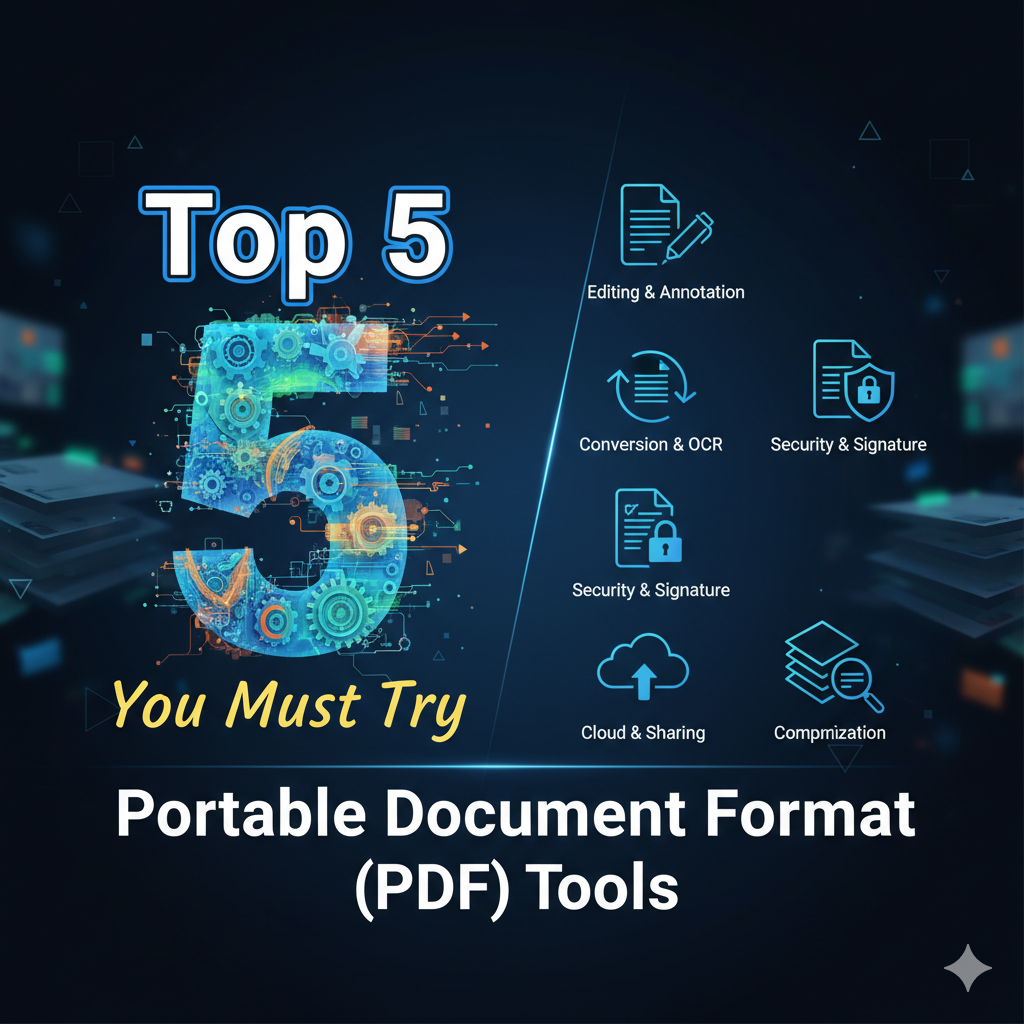
Top 5 Portable Document Format (PDF) Tools You Must Try
In today’s fast-paced digital world, managing documents efficiently isn’t just a convenience—it’s a necessity. Whether you’re a student submitting assignments, a freelancer sharing invoices, or a corporate professional finalizing contracts, PDFs are at the heart of your workflow.
But let’s be honest—working with PDFs isn’t always easy. From editing and compressing to converting and signing, you often need more than just a basic reader. That’s where modern PDF tools come in. They help simplify your document management, boost productivity, and save valuable time.
So, if you’re tired of struggling with bulky software or complicated converters, here’s a list of the Top 5 Portable Document Format (PDF) Tools that are worth trying in 2025.
1. Adobe Acrobat Reader DC – The Original PDF Powerhouse
When it comes to PDFs, Adobe Acrobat Reader DC is the industry standard—and for good reason. It’s been around since the birth of the PDF itself, offering everything from viewing and editing to digital signing and cloud sharing.
What makes it great:
- Full-featured PDF editing suite with advanced tools for professionals
- Seamless integration with Adobe Cloud for file storage and collaboration
- Built-in OCR (Optical Character Recognition) for scanned documents
Best for: Professionals and businesses that need complete control over their PDFs.
TechAcademy Pro Tip: If you handle large or confidential files, Adobe’s security and encryption options make it a reliable choice for business environments.
2. Foxit PDF Editor – Lightweight Yet Powerful
If you’re looking for something more compact but equally capable, Foxit PDF Editor is a strong alternative to Adobe. It’s fast, user-friendly, and offers excellent performance even on older devices.
Why users love it:
- Clean interface with easy navigation
- Great collaboration features—add comments, track changes, and share securely
- Supports batch processing for merging, converting, and optimizing files
Best for: Teams or individuals who need a professional-grade editor without the heavy system load.
TechAcademy Insight: Many freelancers and remote teams use Foxit because it’s flexible, affordable, and doesn’t hog system resources.
3. Smallpdf – The All-in-One Online Solution
Smallpdf is one of the most popular online PDF tools in the world—and for good reason. It’s simple, fast, and works entirely from your browser, making it ideal for users who don’t want to install any software.
What you can do with Smallpdf:
- Convert Word, Excel, and PowerPoint files to PDF (and vice versa)
- Compress large PDFs to make them easier to email or upload
- E-sign documents from anywhere
- Edit, annotate, and merge files—all in one place
Best for: Students, freelancers, and anyone who needs quick fixes without downloading apps.
Human touch: The beauty of Smallpdf is how it keeps things effortless. It’s the kind of tool you can rely on when deadlines are close and time is short.
4. PDFescape – Your Free Browser-Based Editor
If you’re searching for a completely free PDF editor, PDFescape deserves a spot on your list. It’s browser-based, lightweight, and surprisingly feature-rich for a free platform.
Key features include:
- Edit text, add images, and annotate without installing software
- Fill out PDF forms quickly and easily
- Securely share files online or download them instantly
Best for: Users who want basic PDF editing without paying for premium software.
Real-world example: Imagine you receive a job application form in PDF format—you can open it directly in PDFescape, fill it out online, and send it back in minutes. No extra tools. No hassle.
5. PDF-XChange Editor – Feature-Rich and Fast
Last but definitely not least, PDF-XChange Editor is a hidden gem in the world of PDF tools. It’s lightweight, fast, and packed with advanced features that rival paid software.
What makes it stand out:
- Built-in OCR technology for converting scanned images into editable text
- Advanced annotation tools, form creation, and document signing
- Excellent speed and performance even with large files
Best for: Windows users who want professional-level tools without a subscription.
TechAcademy Pro Tip: If you’re working with research papers, scanned contracts, or technical documents, PDF-XChange Editor will help you edit and organize them seamlessly.
Bonus Mention: iLovePDF – Simplicity Meets Functionality
Because choosing only five is hard, here’s a quick bonus: iLovePDF. It’s one of the most user-friendly online PDF platforms that allows quick conversions, merges, and compressions—all through your web browser.
It’s especially handy for users on the go, offering mobile apps and a clean interface that anyone can use.
How to Choose the Right PDF Tool
Picking the best PDF software depends on your specific needs. Here’s how to decide:
✅ For everyday users: Go with Smallpdf or PDFescape for quick, free edits.
✅ For business professionals: Choose Adobe Acrobat DC for advanced security and editing features.
✅ For performance lovers: Foxit and PDF-XChange Editor offer power without slowing down your system.
✅ For mobile and cloud users: iLovePDF is simple, effective, and works across all devices.
Remember, the “best” tool isn’t the most expensive—it’s the one that fits your workflow perfectly.
Why PDF Tools Matter in 2025
As remote work, online education, and digital transactions continue to rise, PDFs have become the universal standard for sharing and securing information. The right PDF tools not only help you manage documents—they help you stay productive and professional.
From compressing files to signing contracts, these tools make your digital life smoother, faster, and more efficient.
At TechAcademy, we always highlight the importance of the right productivity tools—because when your tools work smarter, you work smarter.
Final Thoughts
Whether you’re editing a college project, managing office reports, or signing client contracts, having the right PDF software can make all the difference. Each of these tools—Adobe Acrobat, Foxit, Smallpdf, PDFescape, and PDF-XChange—offers unique strengths that cater to different users.
So go ahead, try one (or more) of these PDF tools, and transform how you work with documents.
Because in 2025, productivity isn’t just about working harder—it’s about working smarter.