image
4, Dec 2025
WordPress Course Roadmap — Become a WordPress Expert in 2 Months with TechAcademyPro
https://ankitwordpresscourse.com/wp-content/uploads/2025/09/Best-WordPress-Course-in-Hisar.webp?utm_source=chatgpt.com
https://colorlib.com/wp/wp-content/uploads/sites/2/lms-wordpress-themes-1.jpg?utm_source=chatgpt.com
https://cdn.acowebs.com/wp-content/uploads/2021/05/best-wordpress-training-resources.jpg?utm_source=chatgpt.com

At TechAcademyPro, we understand that WordPress powers over 40% of websites worldwide, making it one of the most valuable skills for anyone looking to work in web development, blogging, eCommerce, or digital marketing. Our 2-month WordPress Course is designed to take students from beginner to professional level, enabling them to create, manage, and optimize WordPress websites efficiently.

Below is a complete 2-month roadmap for mastering WordPress.


📅 Month 1: WordPress Fundamentals & Basic Website Setup

Week 1: Introduction to WordPress

https://i.ytimg.com/vi/UwGzUOA0F6o/hq720.jpg?rs=AOn4CLCsw7hjuymSgD7f9hCJqbHVTNcj5g&sqp=-oaymwEhCK4FEIIDSFryq4qpAxMIARUAAAAAGAElAADIQj0AgKJD&utm_source=chatgpt.com
https://i0.wp.com/learn.wordpress.org/files/2024/02/Block-text.png?fit=1200%2C675&ssl=1&utm_source=chatgpt.com
https://learn.wordpress.org/files/2020/11/Screen-Shot-2020-11-25-at-9.03.48-PM.png?utm_source=chatgpt.com

You Will Learn

  • Understanding WordPress CMS and its ecosystem
  • Difference between WordPress.com and WordPress.org
  • Setting up hosting and domain
  • Navigating the WordPress dashboard
  • Installing themes and basic customization

TechAcademyPro Note:
“A strong foundation ensures you can manage websites professionally and confidently.”


Week 2: Creating Pages, Posts & Menus

https://www.pair.com/support/kb/wp-content/uploads/2018/08/posts-menu.png?utm_source=chatgpt.com
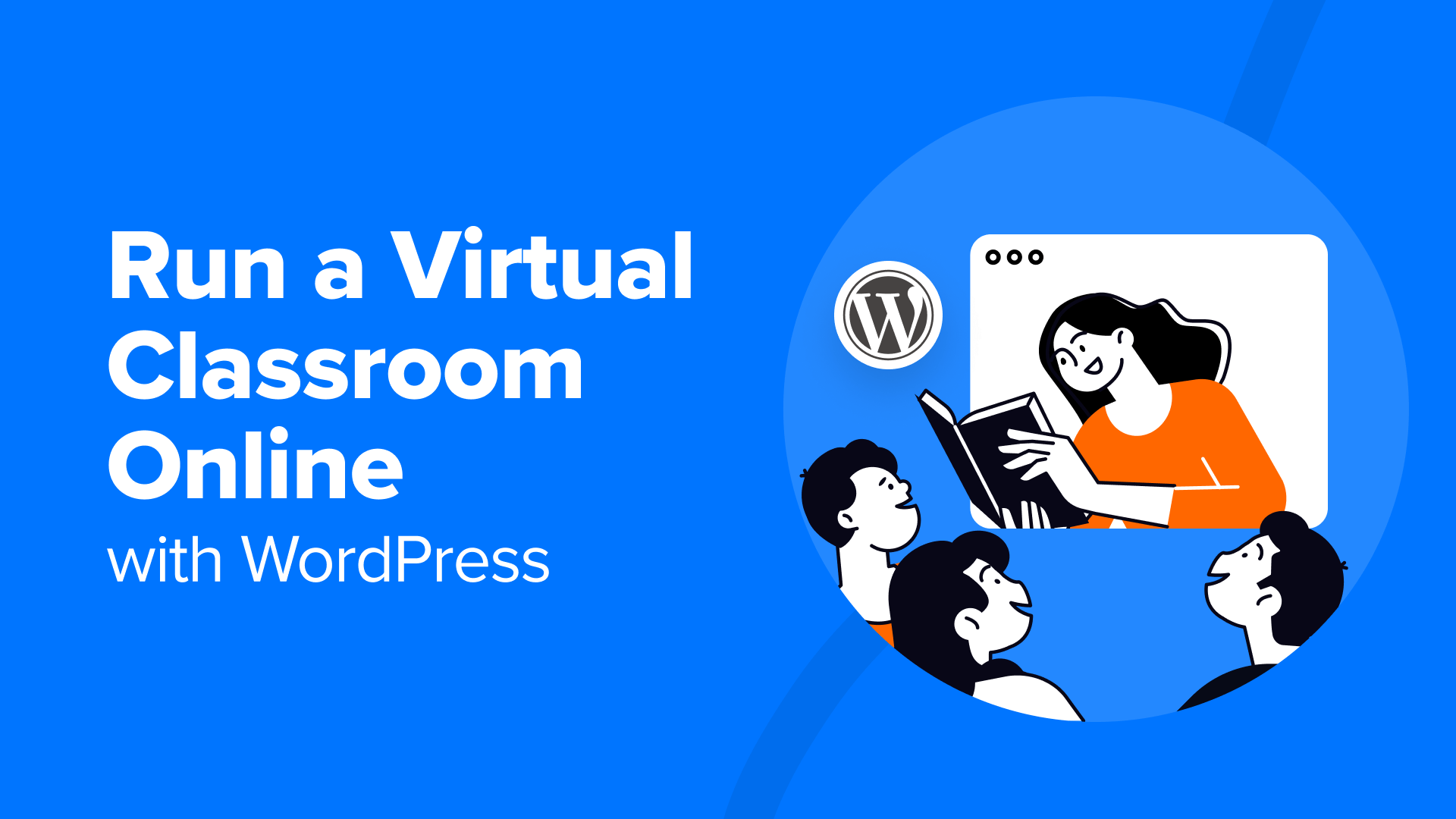
https://www.wpbeginner.com/wp-content/uploads/2023/01/run-a-virtual-classroom-online-og.png?utm_source=chatgpt.com
https://wpvip.edutopia.org/wp-content/uploads/2025/04/hero_blog_technology-integration_project-based-learning_photo_iStock_1171823620_FatCamera.jpg?quality=85&w=2880&utm_source=chatgpt.com

You Will Learn

  • Creating pages and posts
  • Using categories and tags
  • Managing menus and navigation
  • Adding images, videos, and media
  • Formatting content for readability

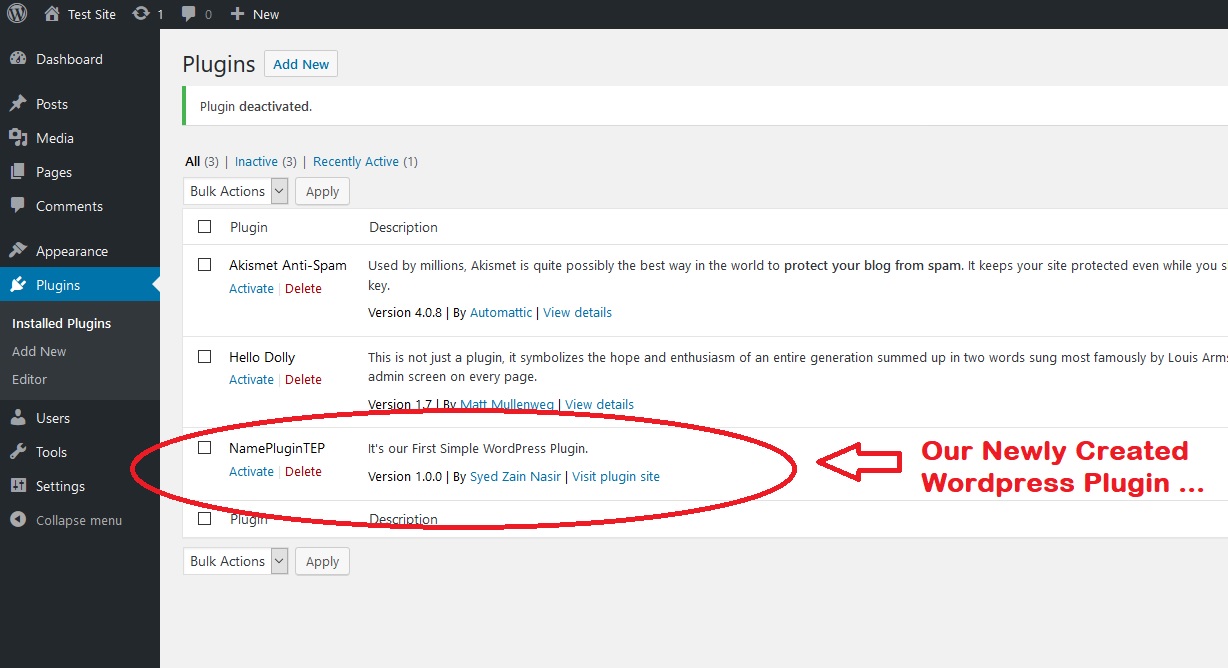
Week 3: Plugins & Widgets
https://images.theengineeringprojects.com/image/main/2018/09/How-to-Create-a-Simple-WordPress-Plugin.jpg?utm_source=chatgpt.com
https://ps.w.org/widget-css-classes/assets/banner-1544x500.jpg?rev=1130650&utm_source=chatgpt.com
https://i0.wp.com/learn.wordpress.org/files/2020/11/browsing-plugins.png?ssl=1&utm_source=chatgpt.com

You Will Learn

  • Installing and managing plugins
  • Popular plugins for SEO, security, caching, and performance
  • Using widgets for sidebars and footers
  • Enhancing website functionality

TechAcademyPro Tip:
“Plugins are the backbone of WordPress customization — knowing the right ones is key.”


Week 4: WordPress SEO Basics & Security
https://aioseo.com/wp-content/uploads/2024/04/complete-wordpress-seo-tutorial-you-will-ever-need.jpg?utm_source=chatgpt.com
https://cyberkrafttraining.com/wp-content/uploads/2020/11/WordpressSecurity_Course2-1.jpg?utm_source=chatgpt.com
https://www.vocso.com/blog/wp-content/uploads/2023/11/Wordpress-Website-Speed-Optimization-techniques.png?utm_source=chatgpt.com

You Will Learn

  • Basic on-page SEO
  • Installing SEO plugins (Yoast/Rank Math)
  • Website security best practices
  • Backups and updates
  • Optimizing website speed

📅 Month 2: Advanced WordPress, eCommerce & Portfolio Projects

Week 5: Advanced Customization

https://b8f4g5a7.delivery.rocketcdn.me/wp-content/uploads/2023/11/how-to-customize-wordpress-theme.png?utm_source=chatgpt.com
https://undsgn.com/wp-content/uploads/2018/05/builder-example.jpg?utm_source=chatgpt.com
https://i.ytimg.com/vi/4UXAhwWHF8Y/maxresdefault.jpg?utm_source=chatgpt.com

You Will Learn

  • Using page builders like Elementor, WPBakery
  • Customizing themes with CSS
  • Creating dynamic content layouts
  • Building responsive websites for mobile and desktop

Week 6: WooCommerce & eCommerce Websites

https://www.ecommerce-gold.com/wp-content/uploads/2019/12/Woocommerce-Add-Plugin.jpg?utm_source=chatgpt.com
https://i0.wp.com/themes.svn.wordpress.org/ecommerce-solution/1.6.9/screenshot.png?utm_source=chatgpt.com
https://i0.wp.com/themes.svn.wordpress.org/top-store/1.6.4/screenshot.png?strip=all&w=post-thumbnail&utm_source=chatgpt.com

You Will Learn

  • Setting up WooCommerce
  • Adding products, categories, and pricing
  • Managing payments, shipping, and taxes
  • Customizing store layouts
  • Creating promotional banners and product pages

TechAcademyPro Insight:
“WordPress + WooCommerce is a powerful combination for building online stores quickly.”


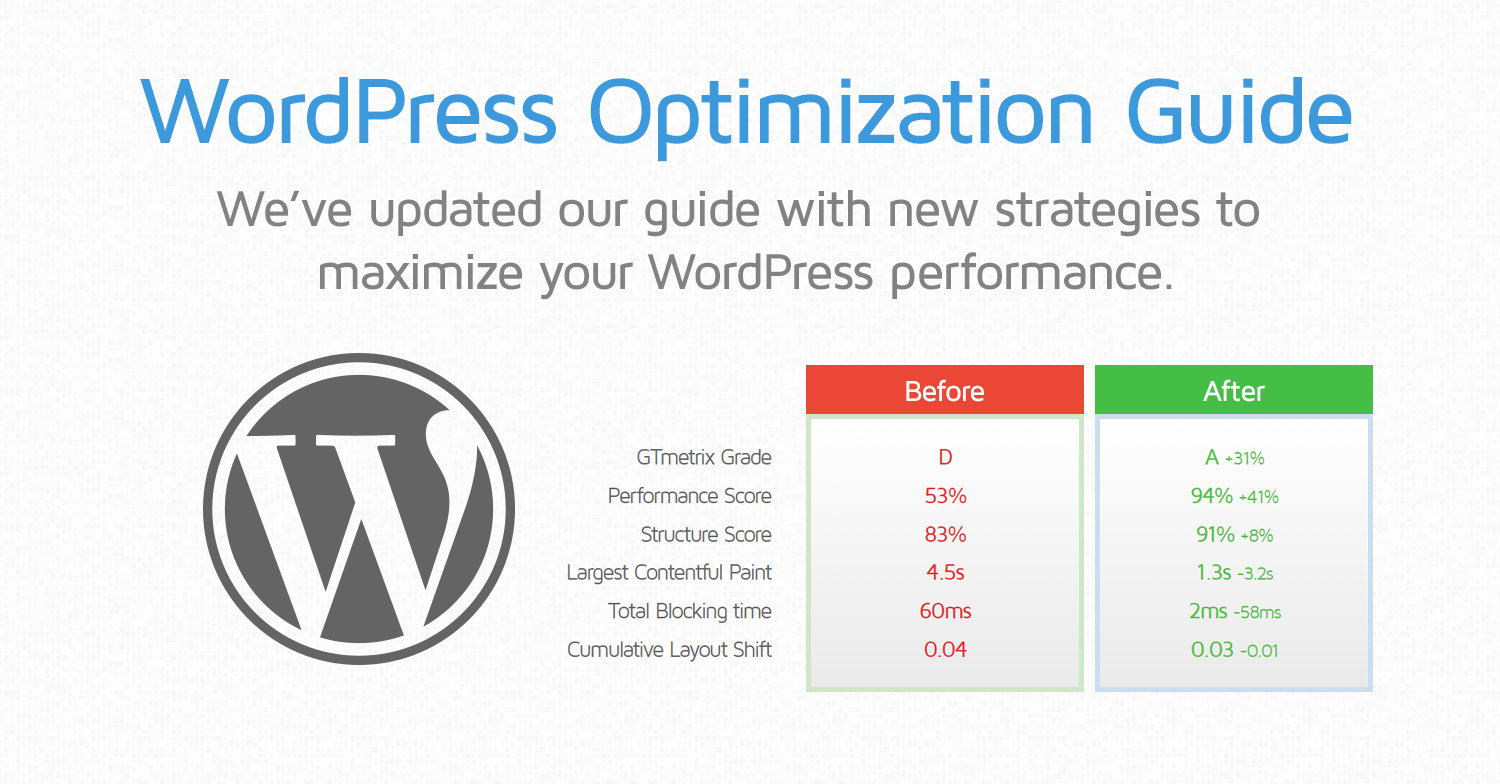
Week 7: WordPress Optimization & Analytics
https://gtmetrix.com/blog/wp-content/uploads/2017/05/wordpress-optimization-guide-v2.png?utm_source=chatgpt.com
https://res.cloudinary.com/upwork-cloud/image/upload/c_scale%2Cw_1000/v1689446921/catalog/1680285777545138176/tcpfriscqciwfvlbmqn5.jpg?utm_source=chatgpt.com
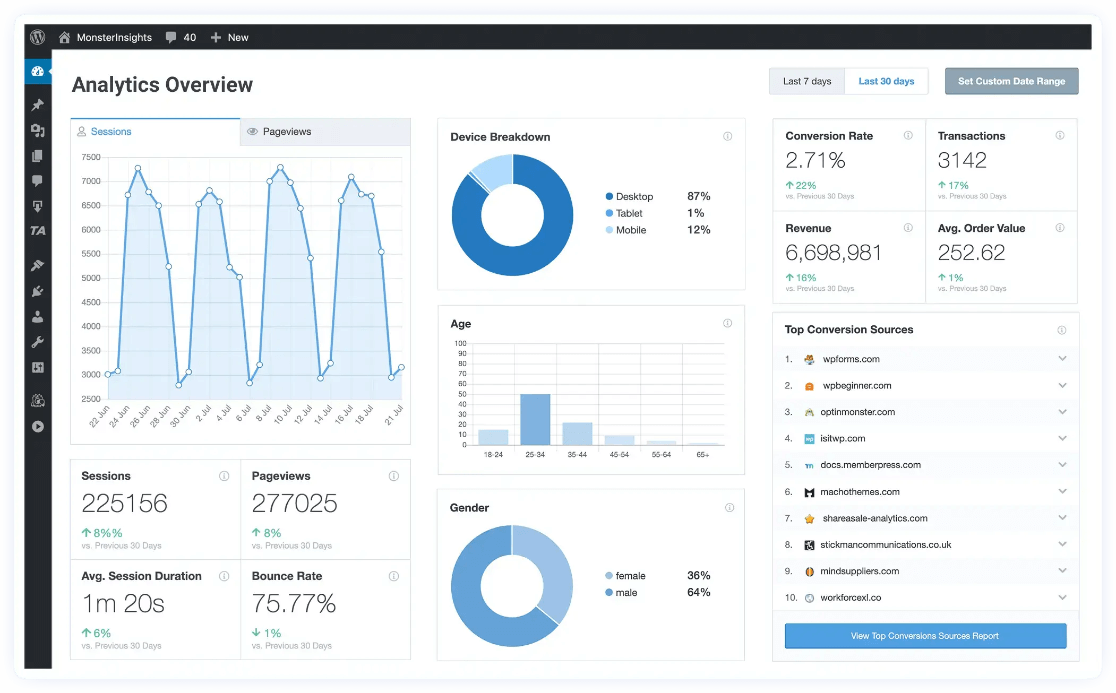
https://www.monsterinsights.com/wp-content/uploads/2021/06/monsterinsights-home-dashboar-1.png?utm_source=chatgpt.com

You Will Learn

  • Caching plugins and performance optimization
  • Image optimization for faster load times
  • Integrating Google Analytics
  • Tracking user behavior and website traffic
  • Troubleshooting common WordPress issues

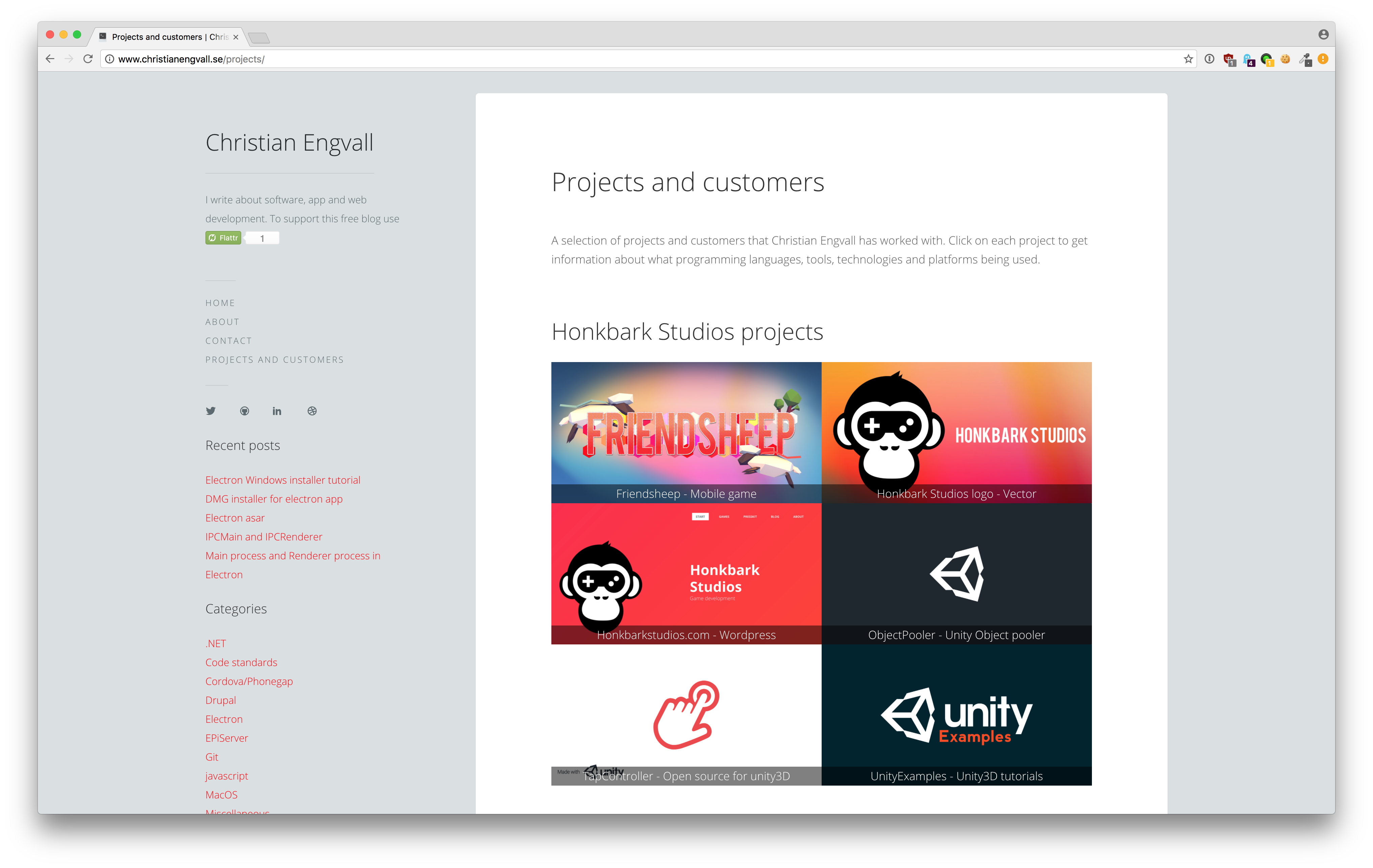
Week 8: Final Projects & Portfolio Building
https://raw.githubusercontent.com/crilleengvall/Wordpress-developer-project-portfolio/gh-pages/images/screenshots/project-public-list.png?utm_source=chatgpt.com
https://i0.wp.com/themes.svn.wordpress.org/freelancer-portfolio/0.2.7/screenshot.jpg?utm_source=chatgpt.com
https://image.ibb.co/npJA5q/Screen-Shot-2018-10-28-at-4-57-10-PM.png?utm_source=chatgpt.com

You Will Learn

  • Planning and building a complete website
  • Showcasing projects in a professional portfolio
  • Publishing blogs, pages, and online stores
  • Freelancing guidance for WordPress projects
  • Preparing for client work or job interviews

TechAcademyPro Message:
“By the end of this course, you’ll be ready to manage WordPress websites professionally and start freelancing or working in agencies.”


🎯 Final Outcome After 2 Months

By completing the WordPress Course at TechAcademyPro, you will be able to:

✔ Create professional WordPress websites from scratch
✔ Customize themes and layouts
✔ Manage plugins, widgets, and SEO
✔ Build WooCommerce online stores
✔ Optimize website speed and security
✔ Develop a strong portfolio for freelancing or job opportunities


Why Choose TechAcademyPro for WordPress?

  • Practical, project-based training
  • Experienced instructors
  • Hands-on experience with real websites
  • Freelancing and career guidance
  • Certificate of completion

Final Words

WordPress is the most popular website platform, and mastering it opens doors to web development, blogging, and eCommerce opportunities. With TechAcademyPro’s 2-month roadmap, you’ll gain the skills, confidence, and experience needed to become a professional WordPress developer.

Start your WordPress journey today, and let TechAcademyPro guide you every step of the way!

Leave a Reply

Your email address will not be published. Required fields are marked *

Related Posts

Why “Computational Thinking + Prompt Crafting” Might Be More Valuable Than Knowing Every Programming Language

In the fast-paced world of technology, students, freelancers, and professional developers often feel pressure to learn every programming language—from Python…

Styling Table Cells Conditionally in MUI Based on Data Values

When building interactive dashboards or data-driven applications in React, MUI (Material UI) is one of the most popular libraries for…

The Case for Dark Mode, Motion UI & Micro-Interactions: Designing Modern, Engaging Interfaces

User expectations for digital products have changed dramatically. Today, people don’t just want interfaces that work—they want experiences that feel…